Version 1.2 · 111 actions available now

One right-click.
A whole toolkit.

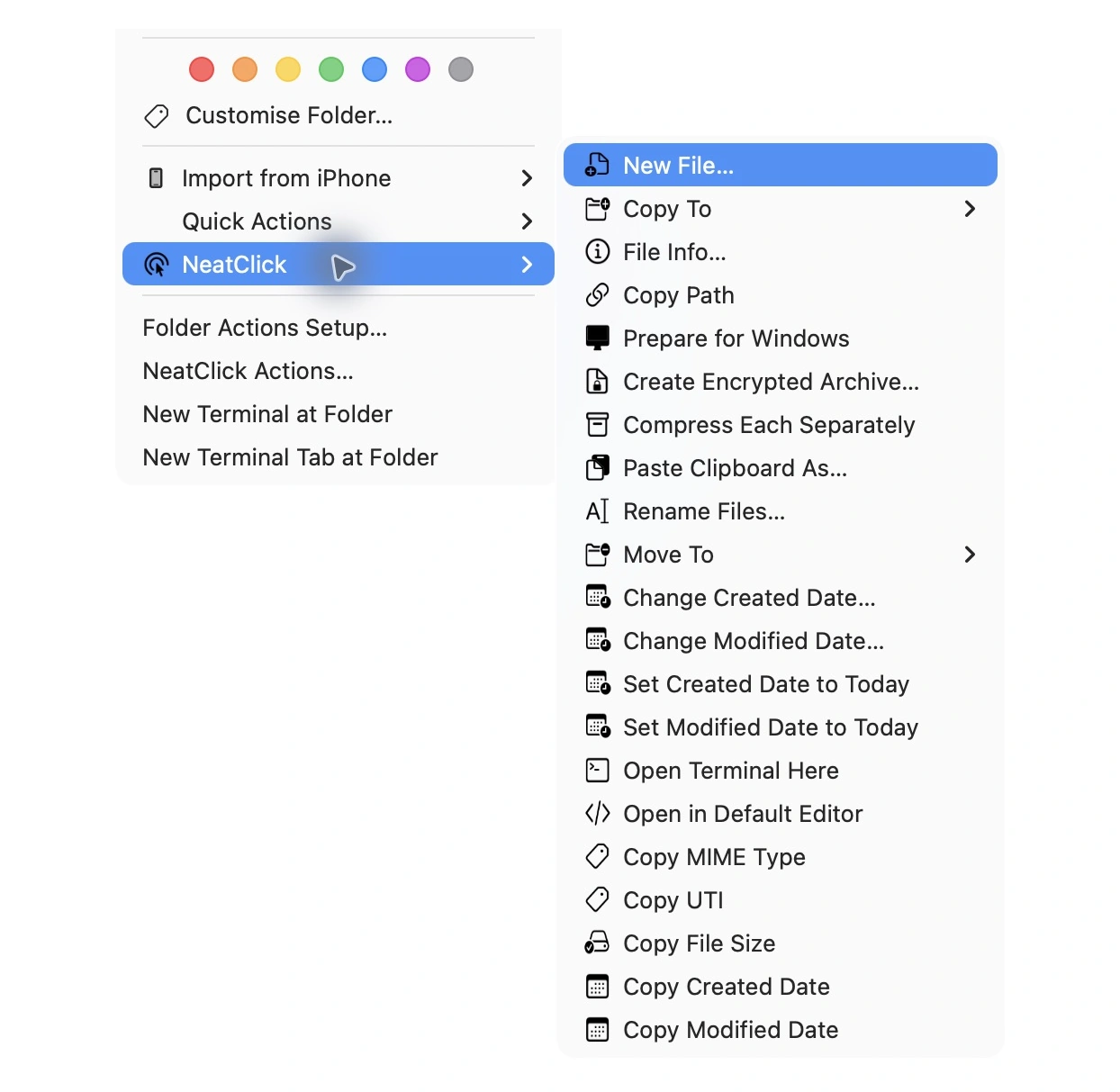
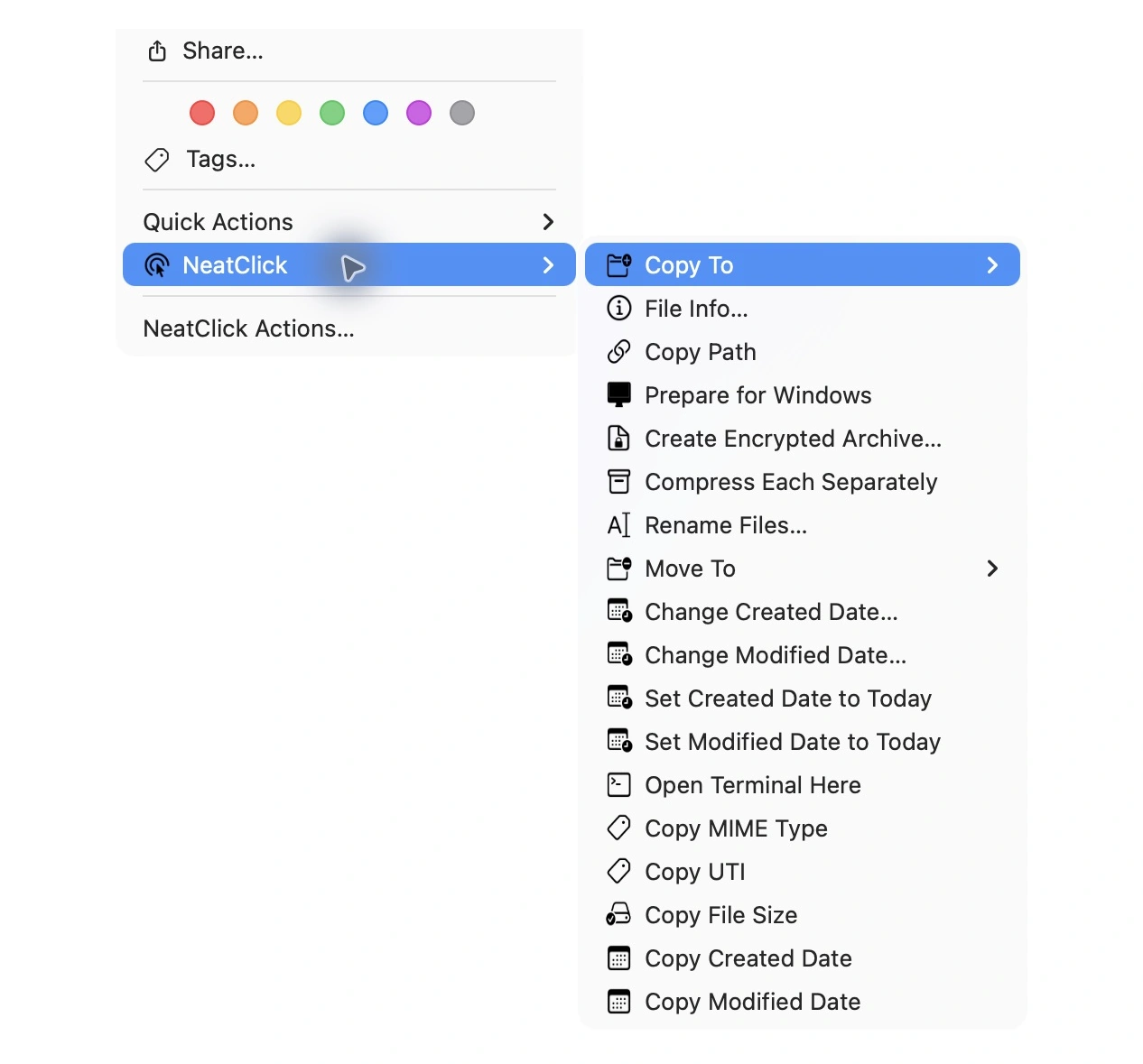
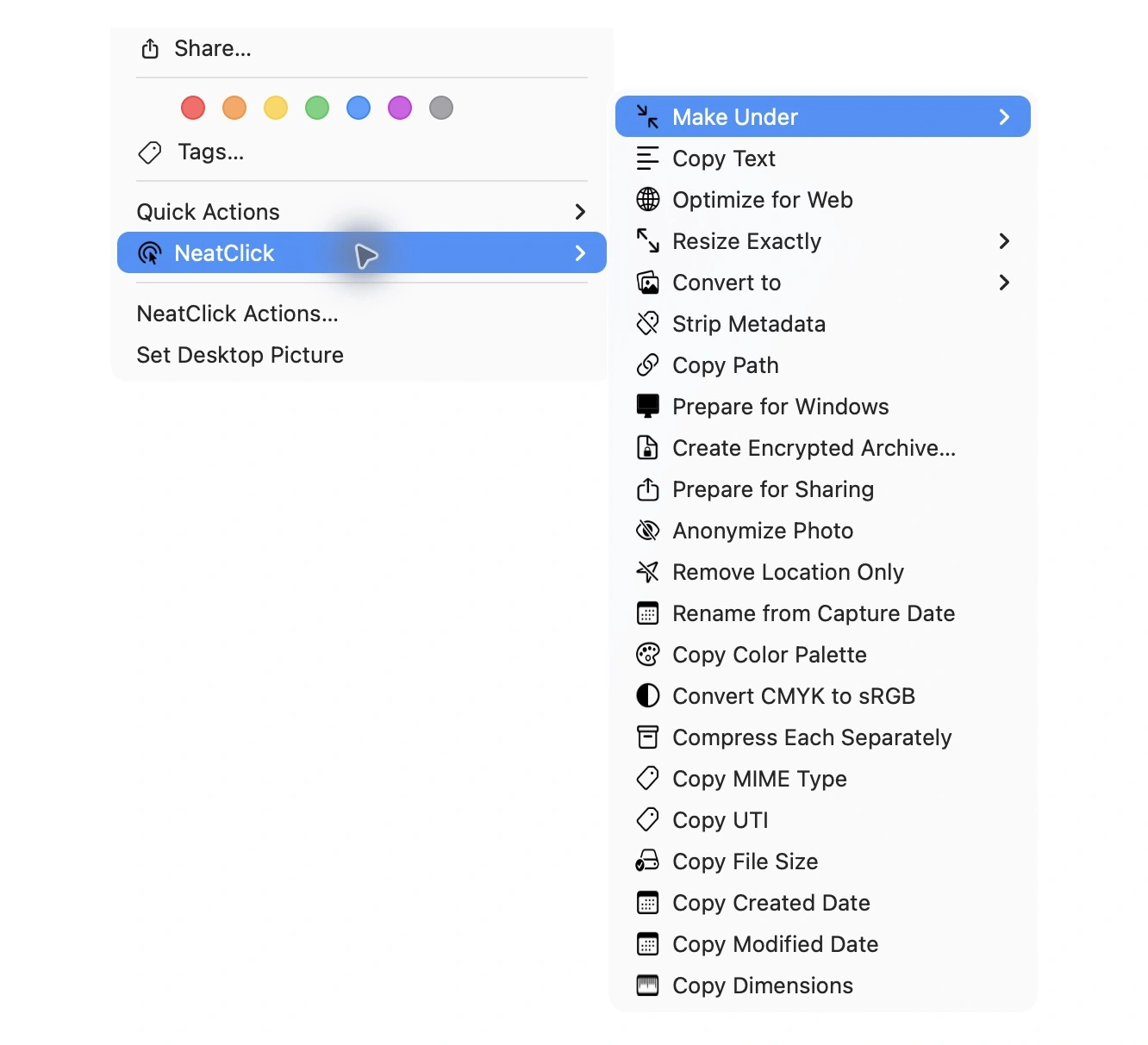
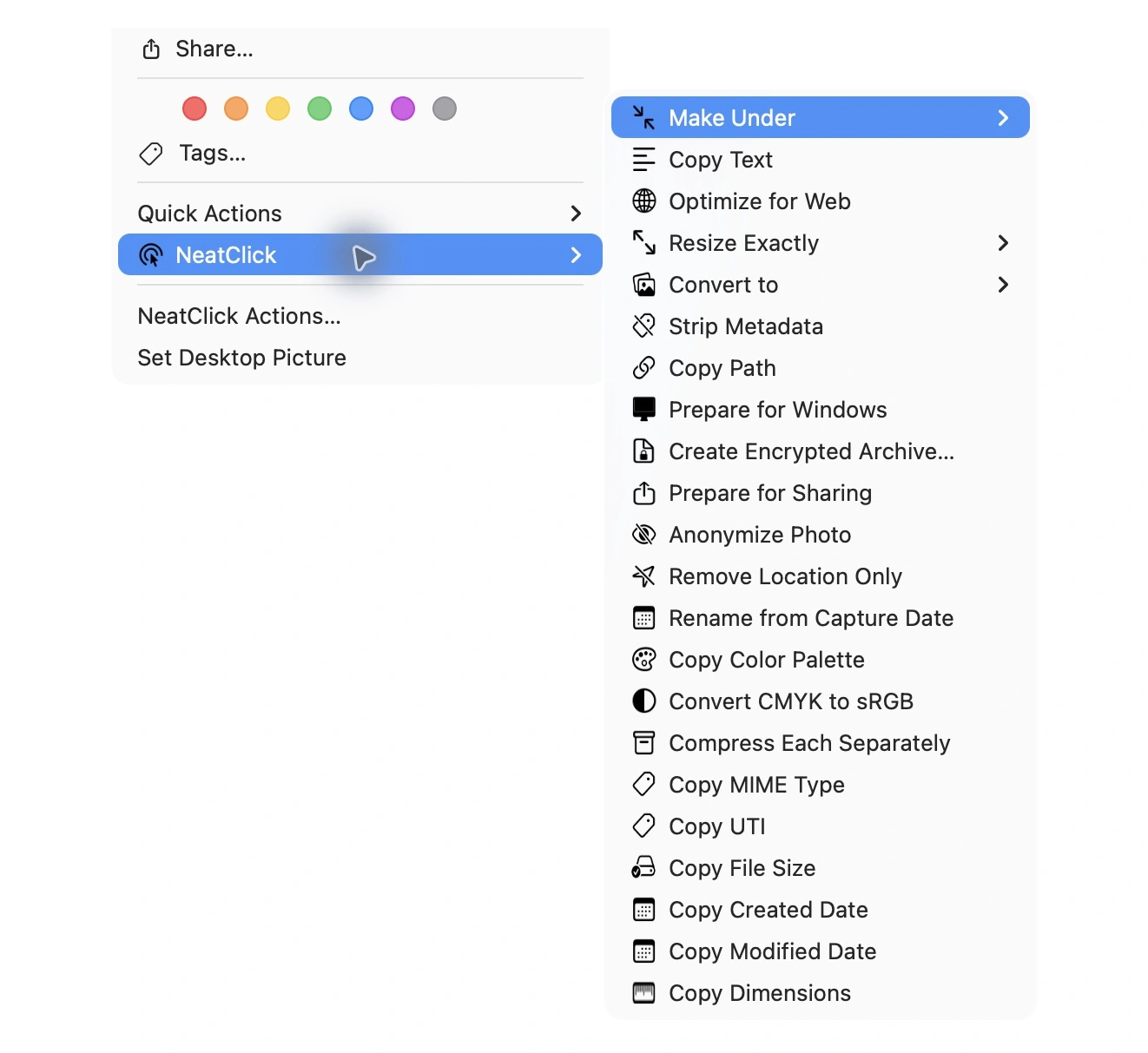
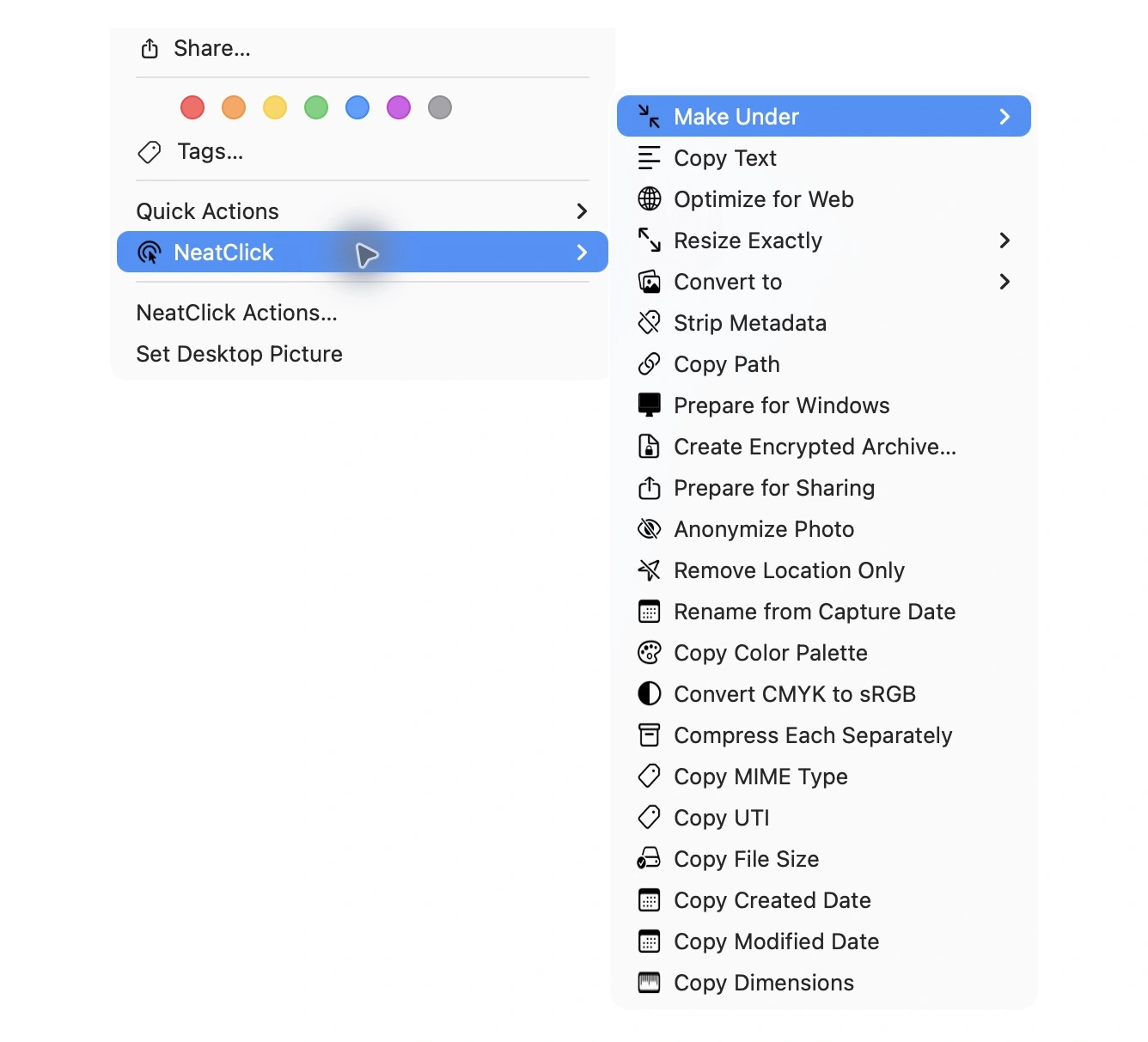
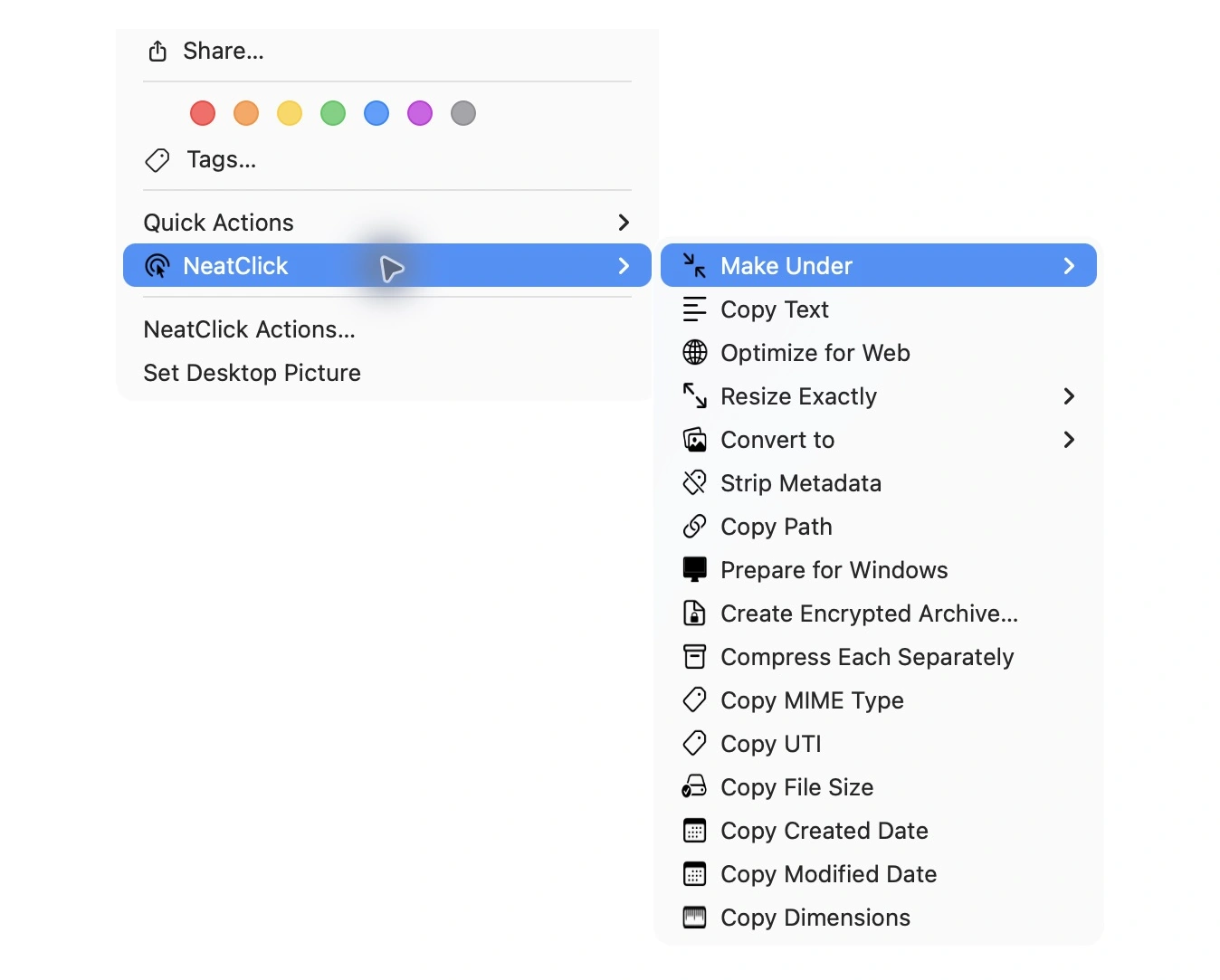
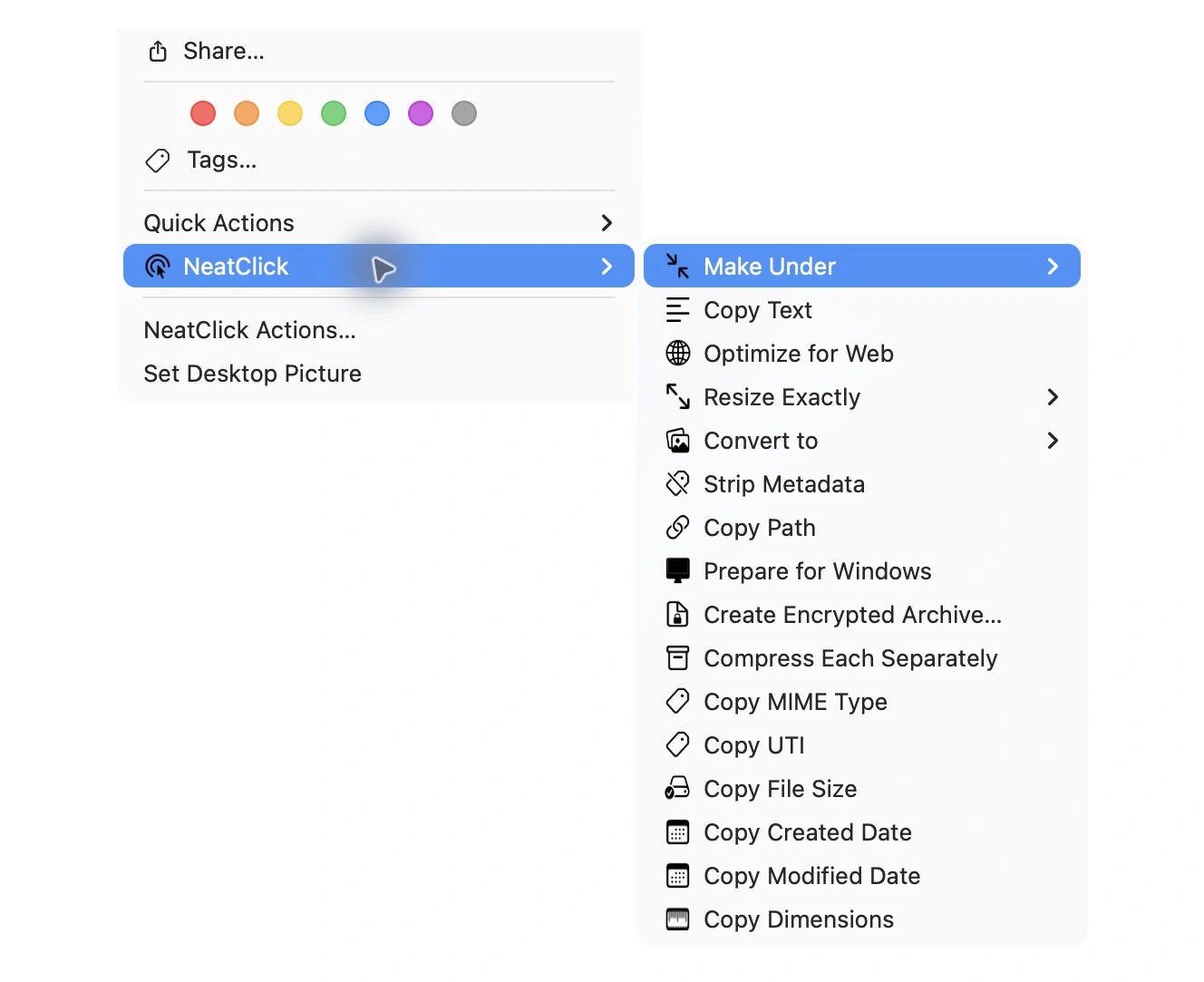
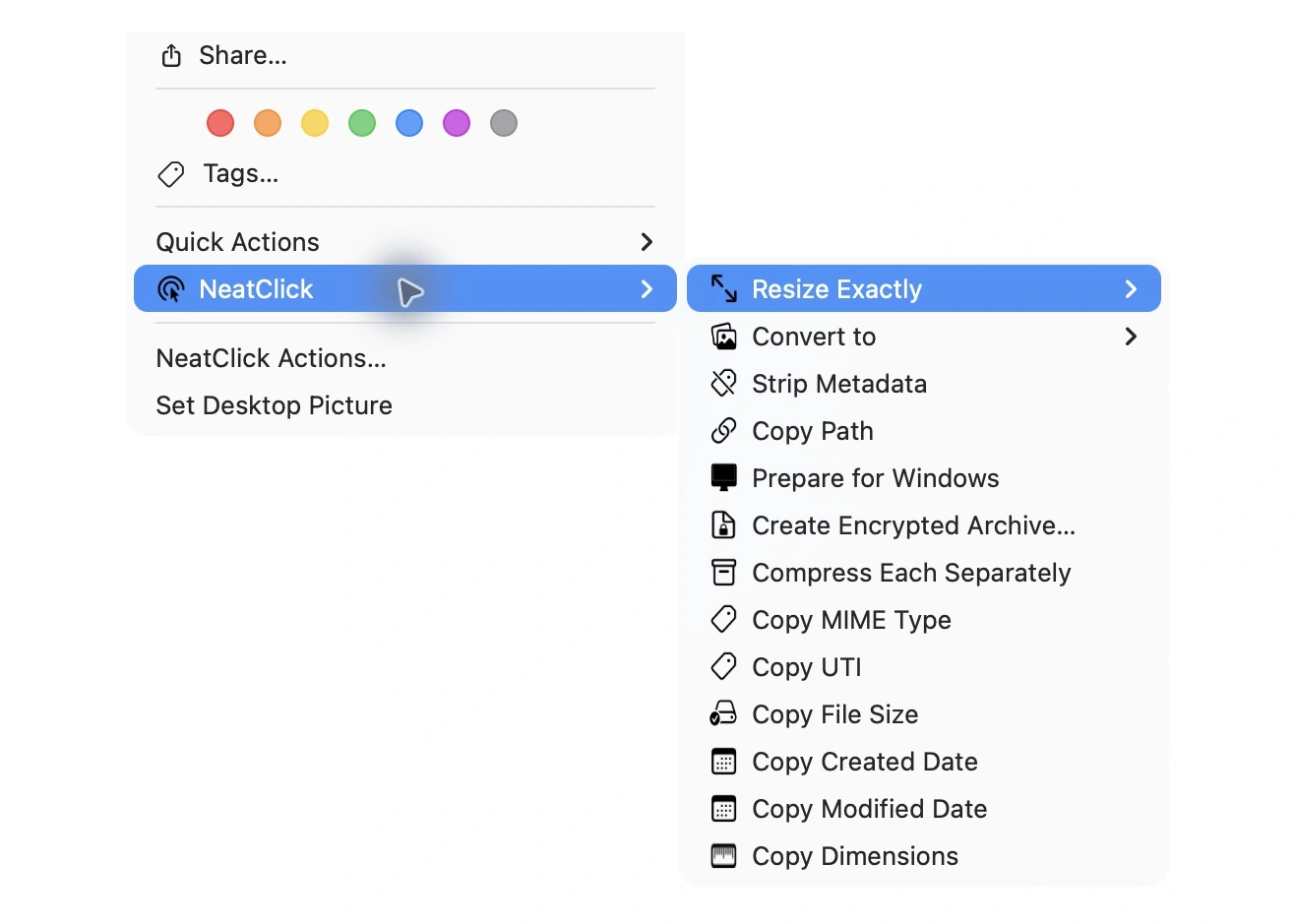
Copy text, create files, preview batch renames, and move files to saved folders. Explore the image, video, audio, PDF, and developer tools too. Everything runs on your Mac, right from Finder.

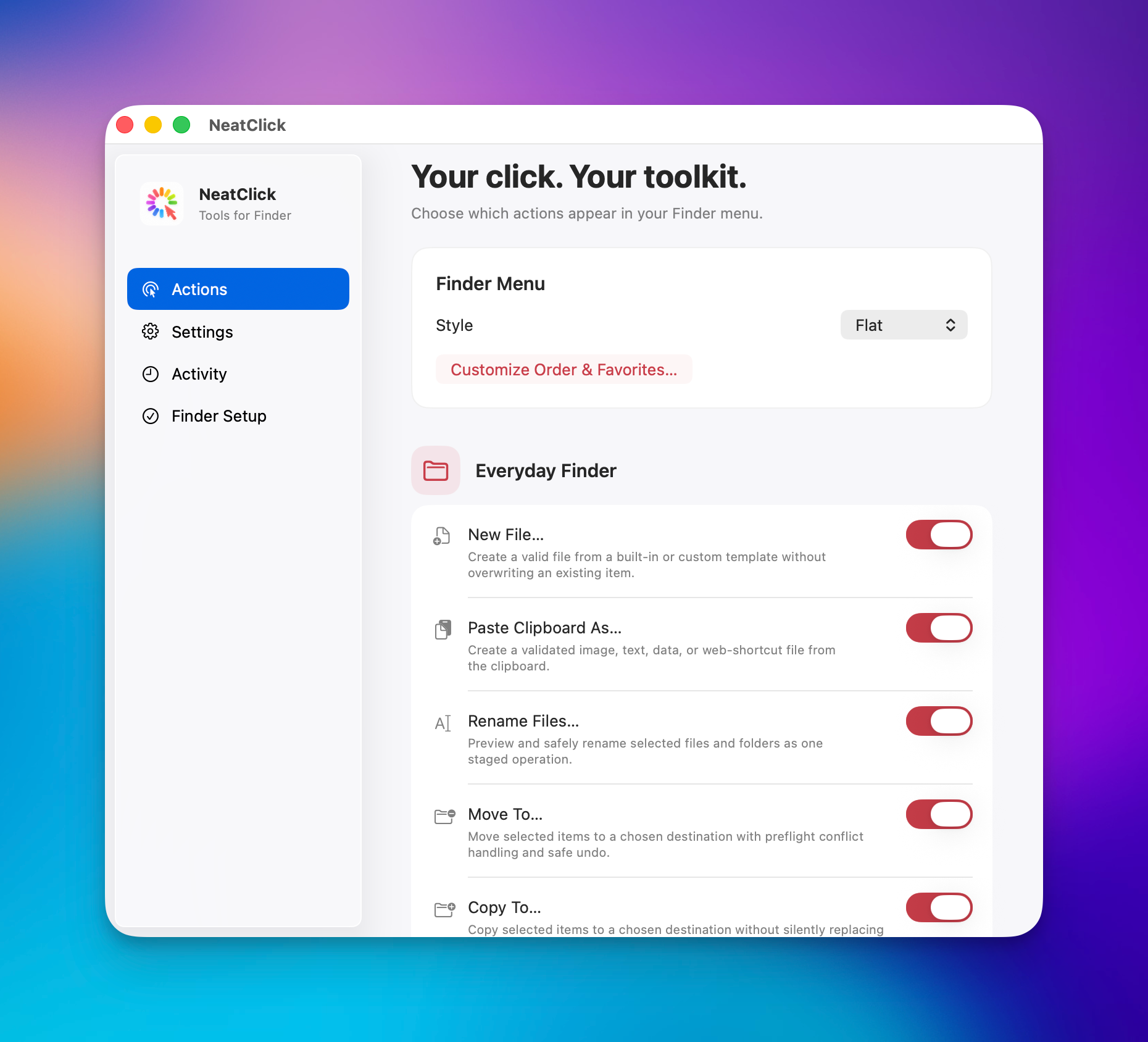
NeatClick 1.2 Actions screen with menu styles and the new everyday Finder tools

Everyday Finder Tools

Create, organize, and inspect files. Hide or reorder actions and choose a Compact menu.

  • Copy Text from Images & PDFs
  • New File from Templates
  • Batch Rename with Preview
  • Move To
  • Copy To
  • Paste Clipboard As
  • Undo Last File Operation
  • File Info
  • Open Terminal Here
  • Open in Default Editor
  • Change Created Date
  • Change Modified Date
  • Set Created Date to Today
  • Set Modified Date to Today
  • Set File Date from EXIF Capture Date
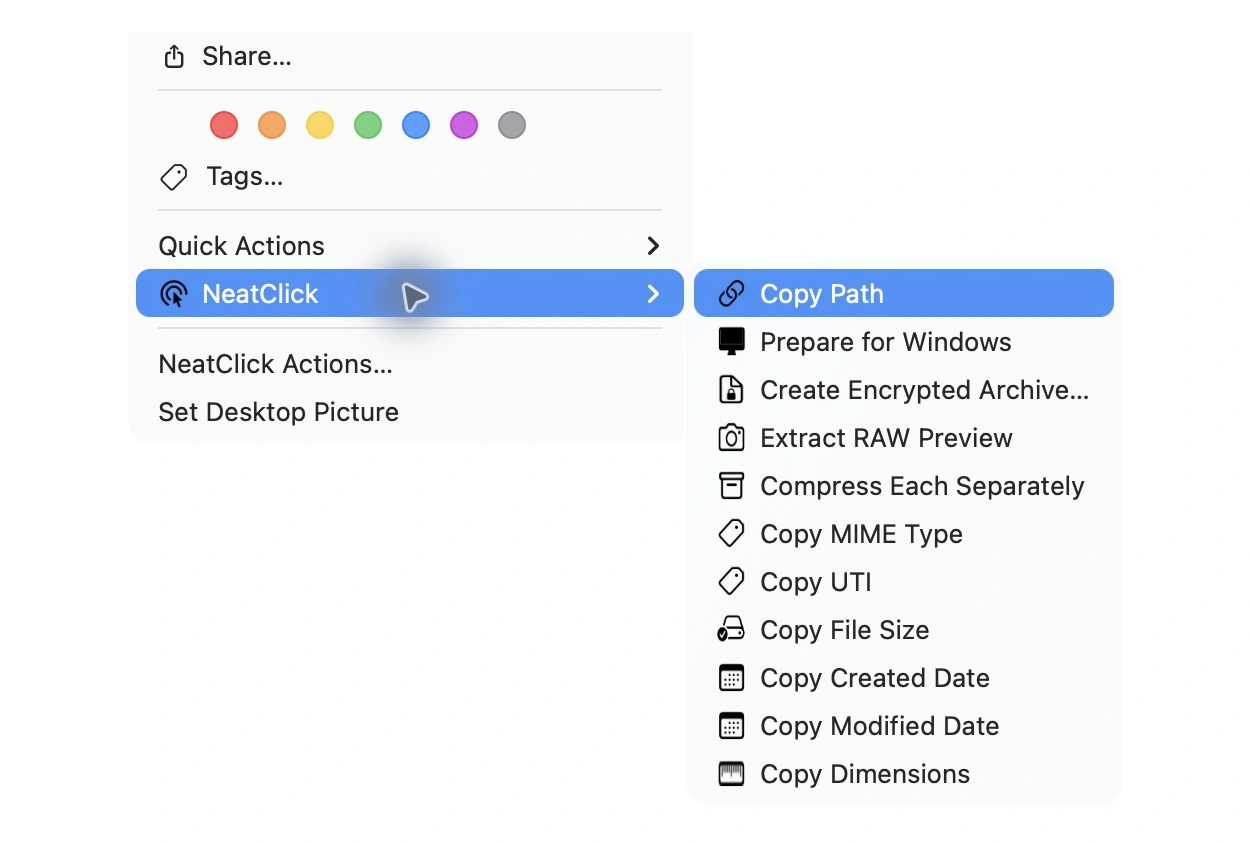
  • Copy MIME Type
  • Copy UTI
  • Copy File Size
  • Copy Created Date
  • Copy Modified Date
  • Copy Dimensions
  • Copy Duration
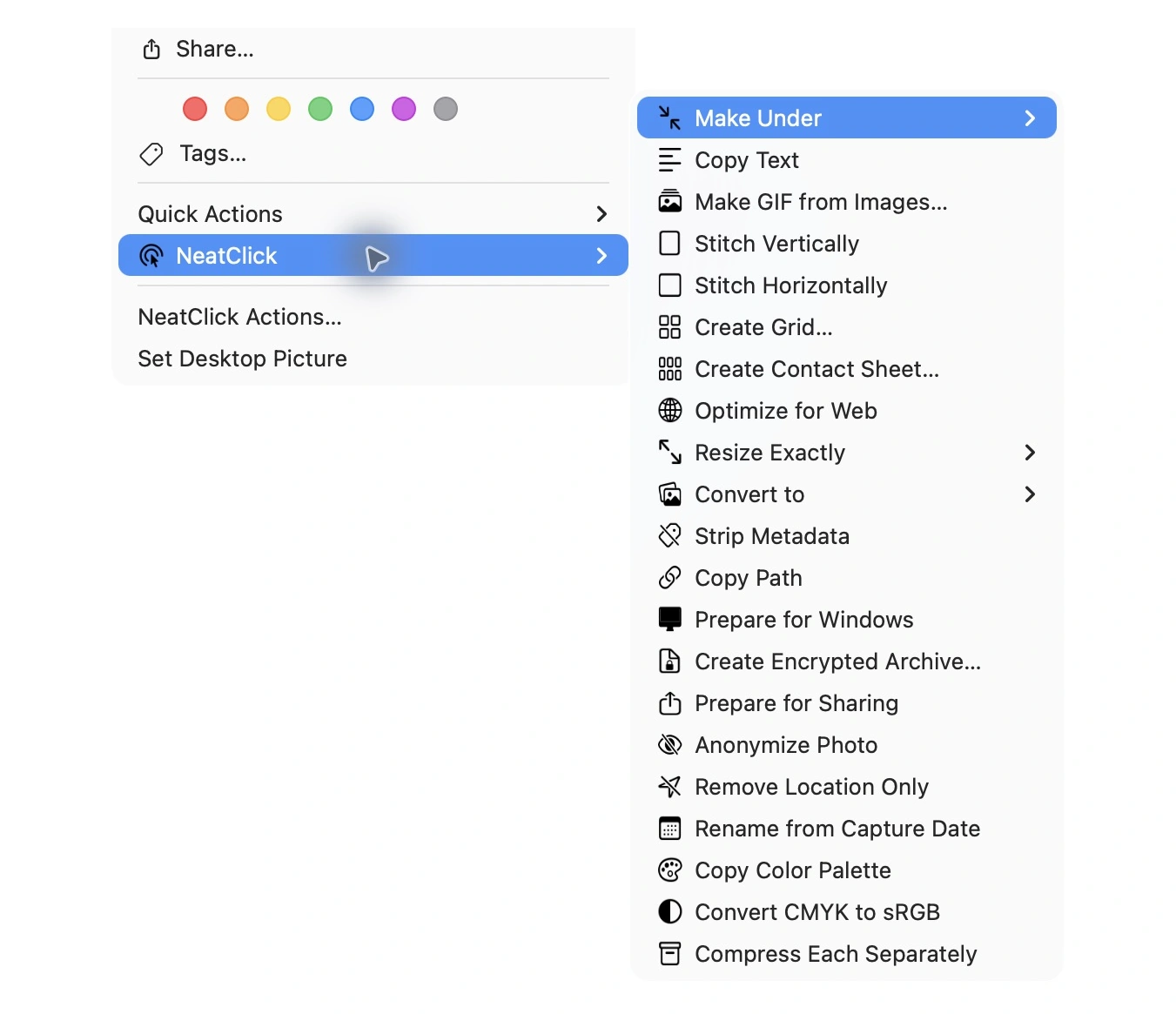
Images & Photos

Resize, convert, clean up, and transform images without opening an editor.

  • Make images fit a file-size limit
  • Optimize for Web
  • Resize Exactly
  • Convert to JPEG, PNG, or HEIC
  • Convert to WebP
  • Convert to AVIF when supported
  • Strip Metadata
  • Anonymize Photo
  • Remove Location Only
  • Extract RAW Preview
  • Rename from Capture Date
  • Copy Color Palette
  • Convert CMYK to sRGB

Video

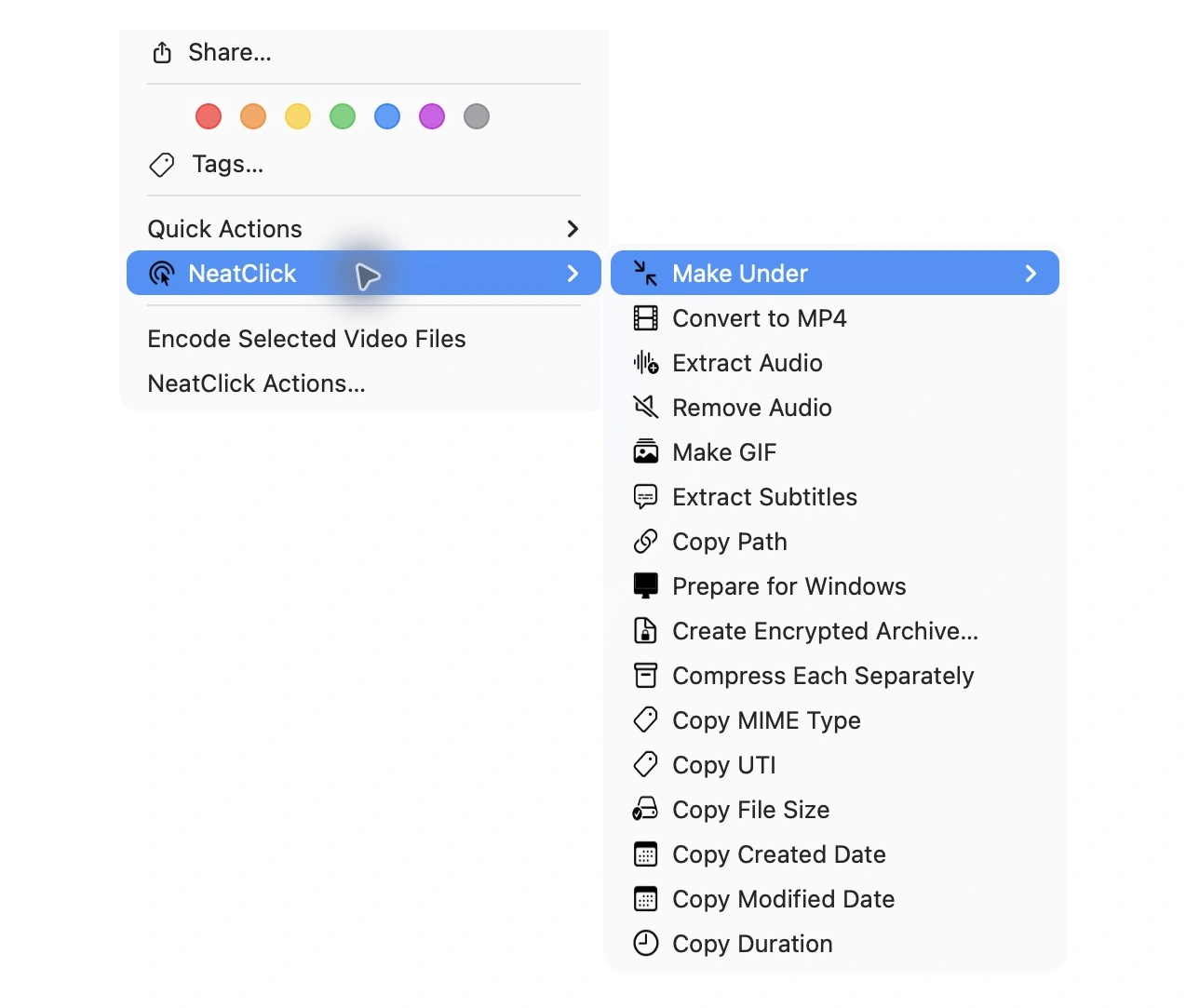
Compress, convert, edit soundtracks, and turn clips into GIFs.

  • Make video fit a file-size limit
  • Convert to MP4
  • Extract Audio
  • Remove Audio
  • Make GIF
  • Join Videos
  • Replace Video Audio
  • Burn Subtitles

Audio & Subtitles

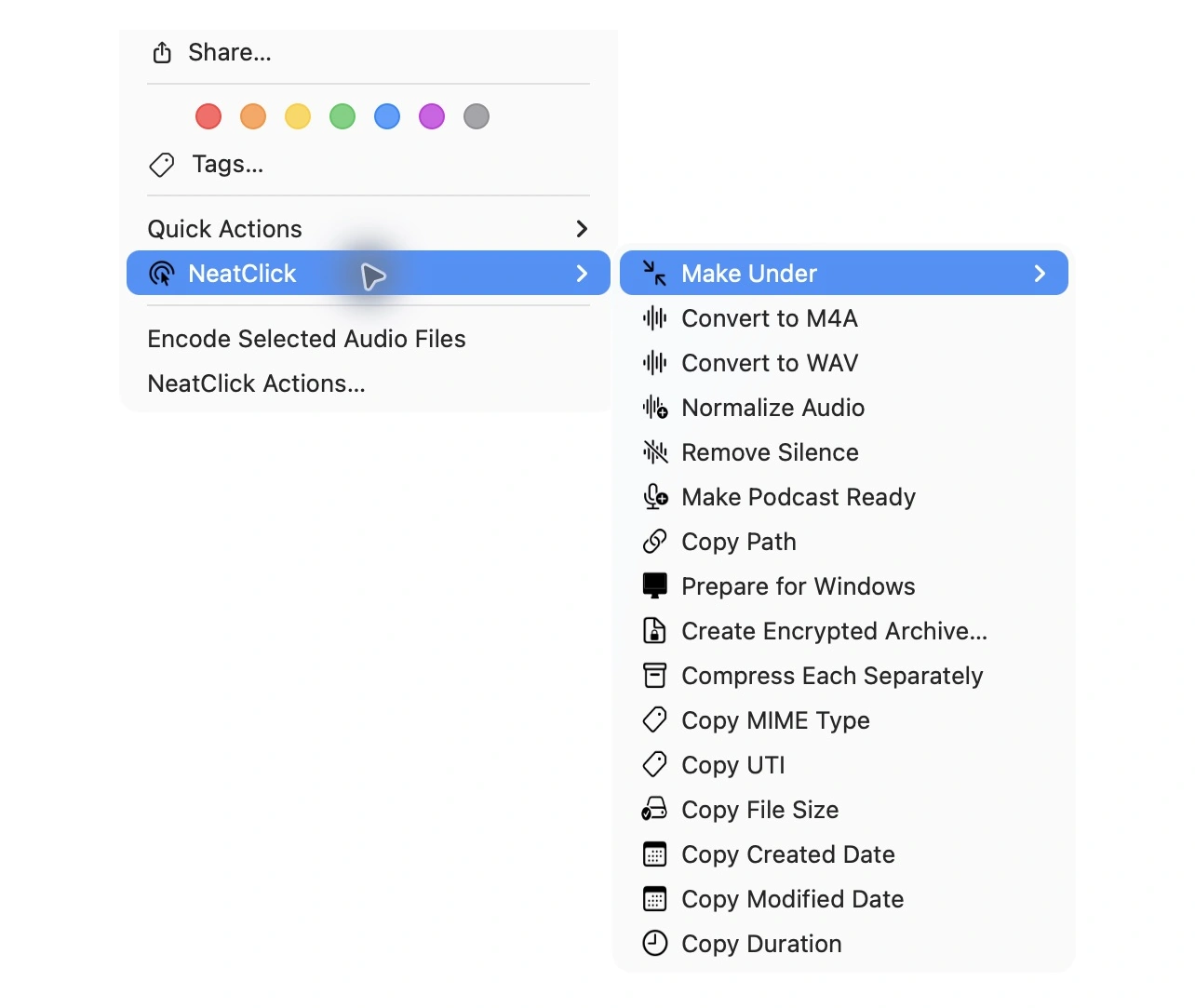
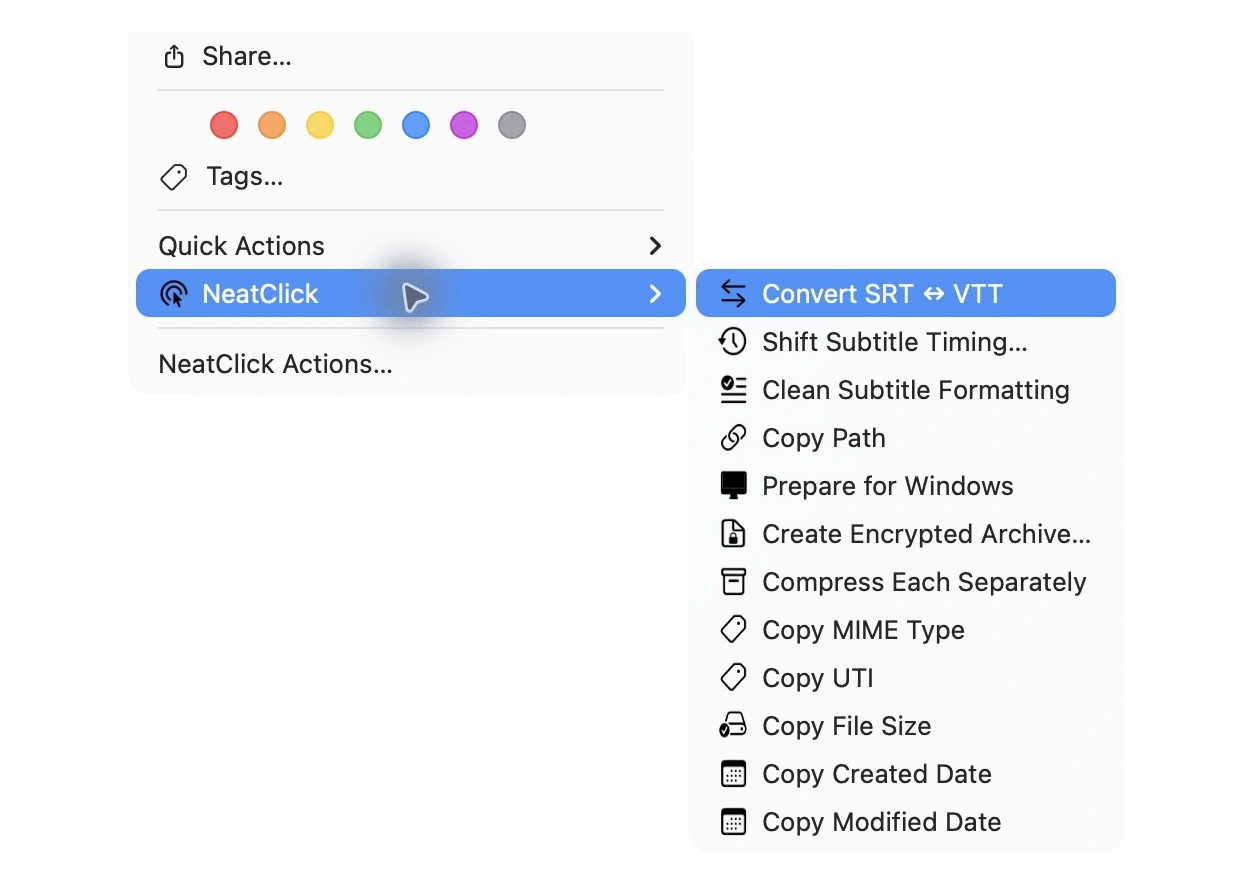
Prepare sound and subtitle files for editing, sharing, and publishing.

  • Make audio fit a file-size limit
  • Convert to M4A
  • Convert to WAV
  • Join Audio
  • Extract Subtitles
  • Convert SRT ↔ VTT
  • Shift Subtitle Timing
  • Clean Subtitle Formatting
  • Normalize Audio
  • Remove Silence
  • Make Podcast Ready

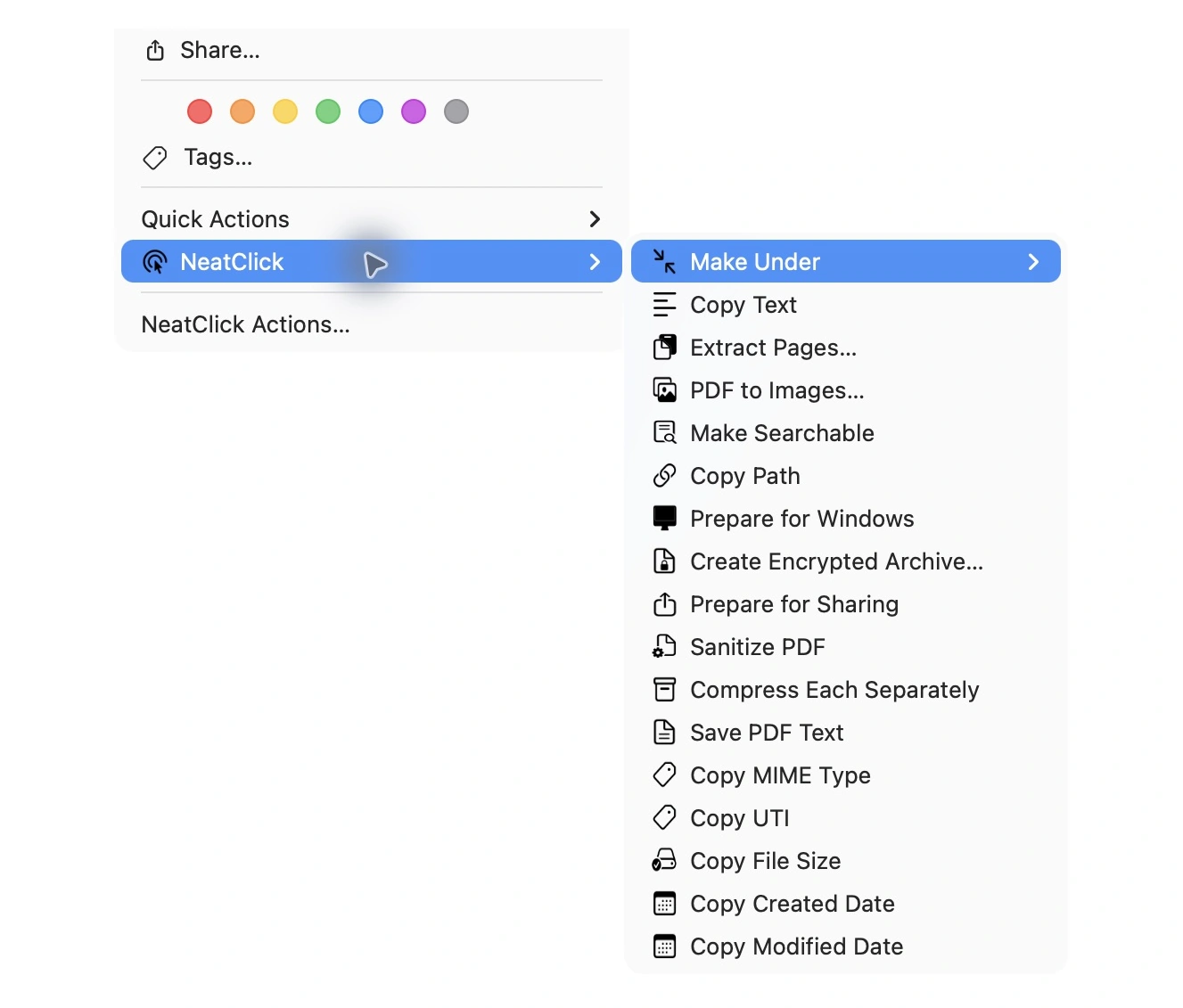
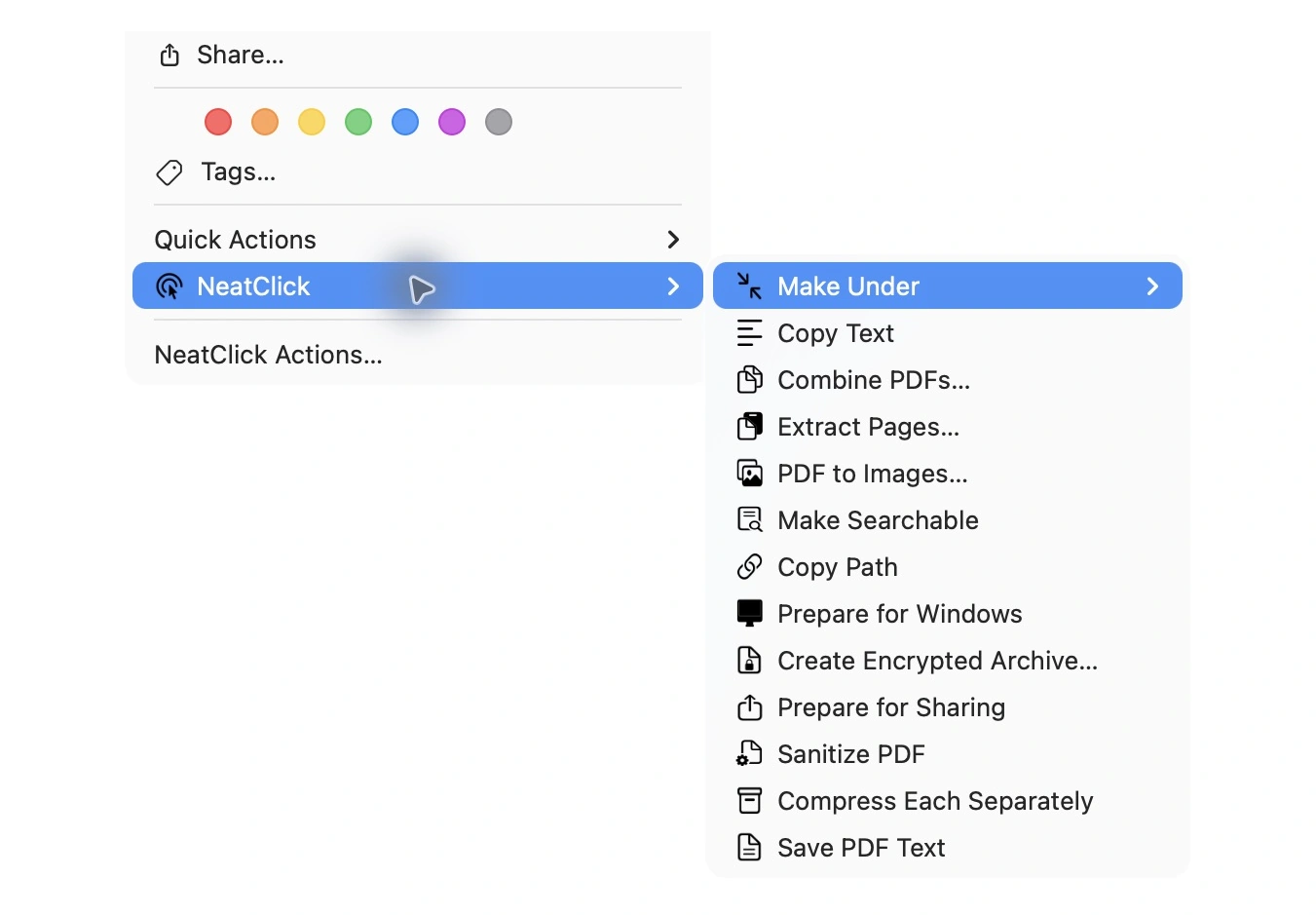
PDFs

Compress, combine, extract, convert, search, and sanitize PDFs.

  • Make PDF fit a file-size limit
  • Extract Pages
  • PDF to Images
  • Make Searchable with OCR
  • Save PDF Text
  • Combine PDFs
  • Combine Images & PDFs into a PDF
  • Sanitize PDF

Combine & Create

Turn a multi-file selection into one polished output.

  • Make GIF from Images
  • Stitch Images Vertically
  • Stitch Images Horizontally
  • Create Grid or Collage
  • Create Contact Sheet
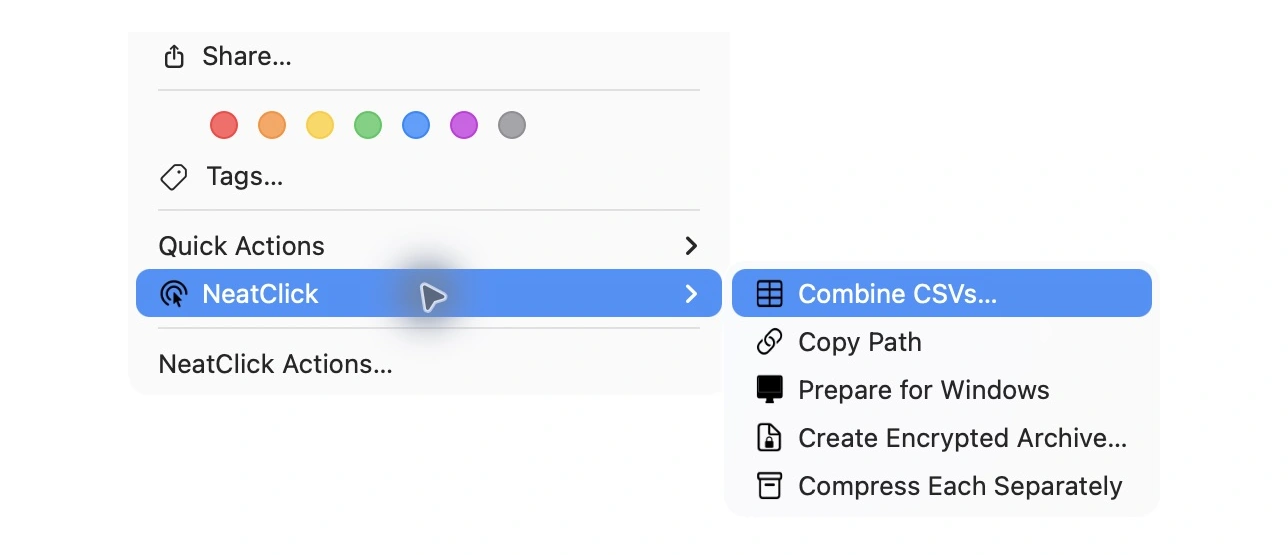
  • Combine CSVs

Files, Archives & Privacy

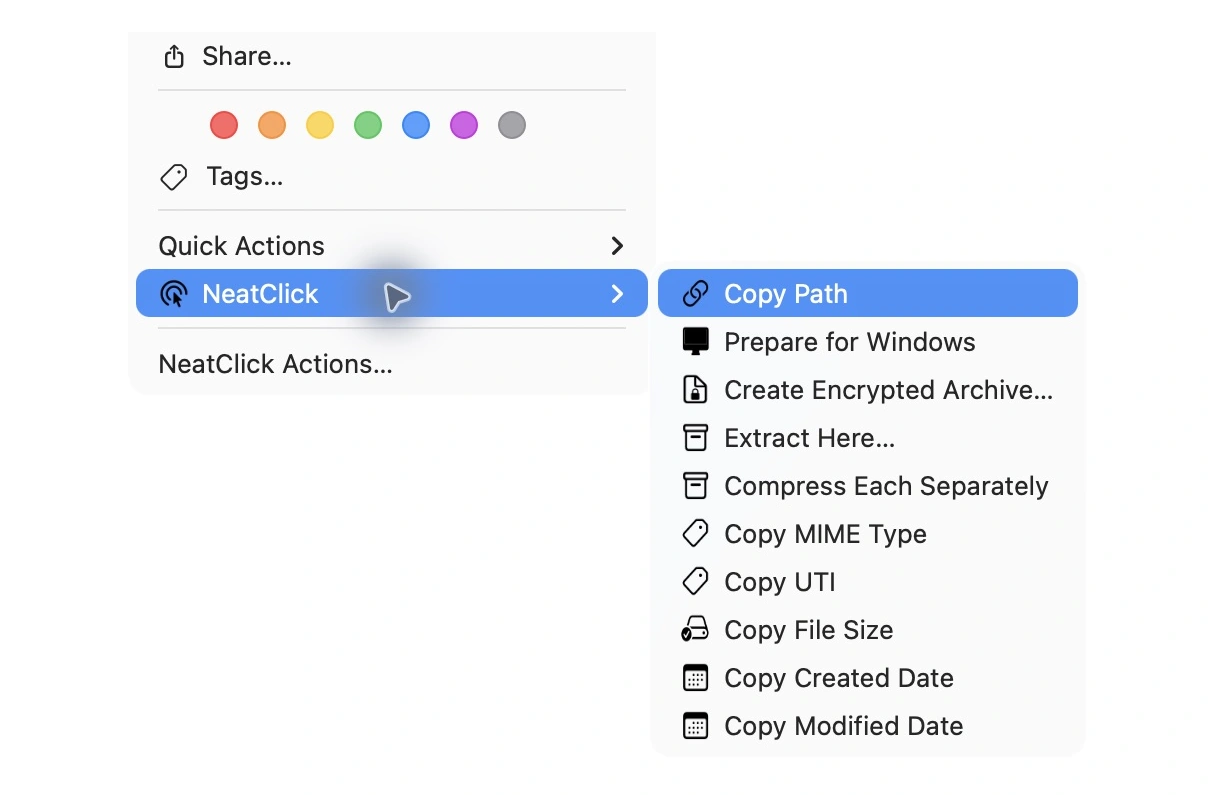
Package, extract, protect, and prepare files for wherever they are going next.

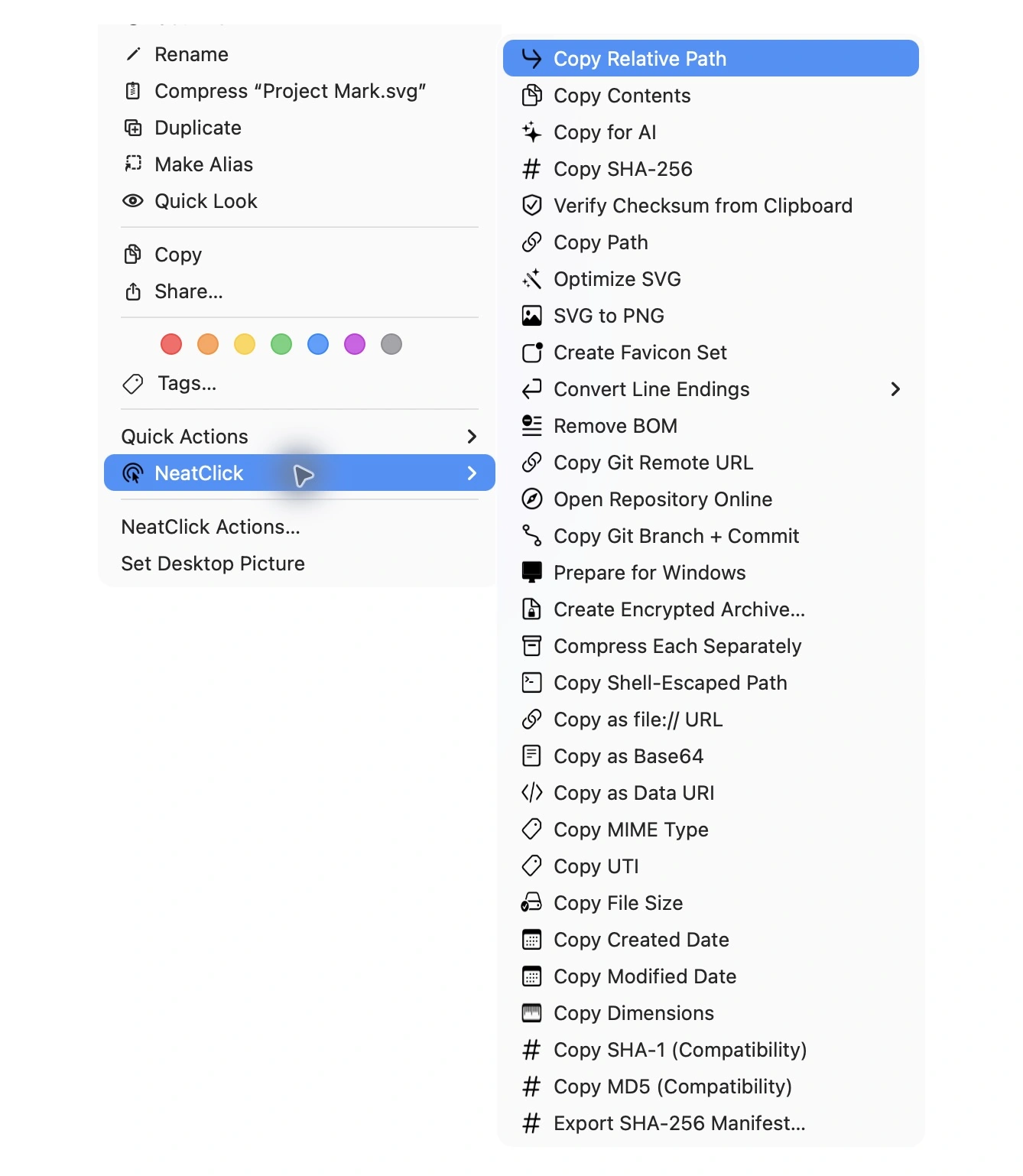
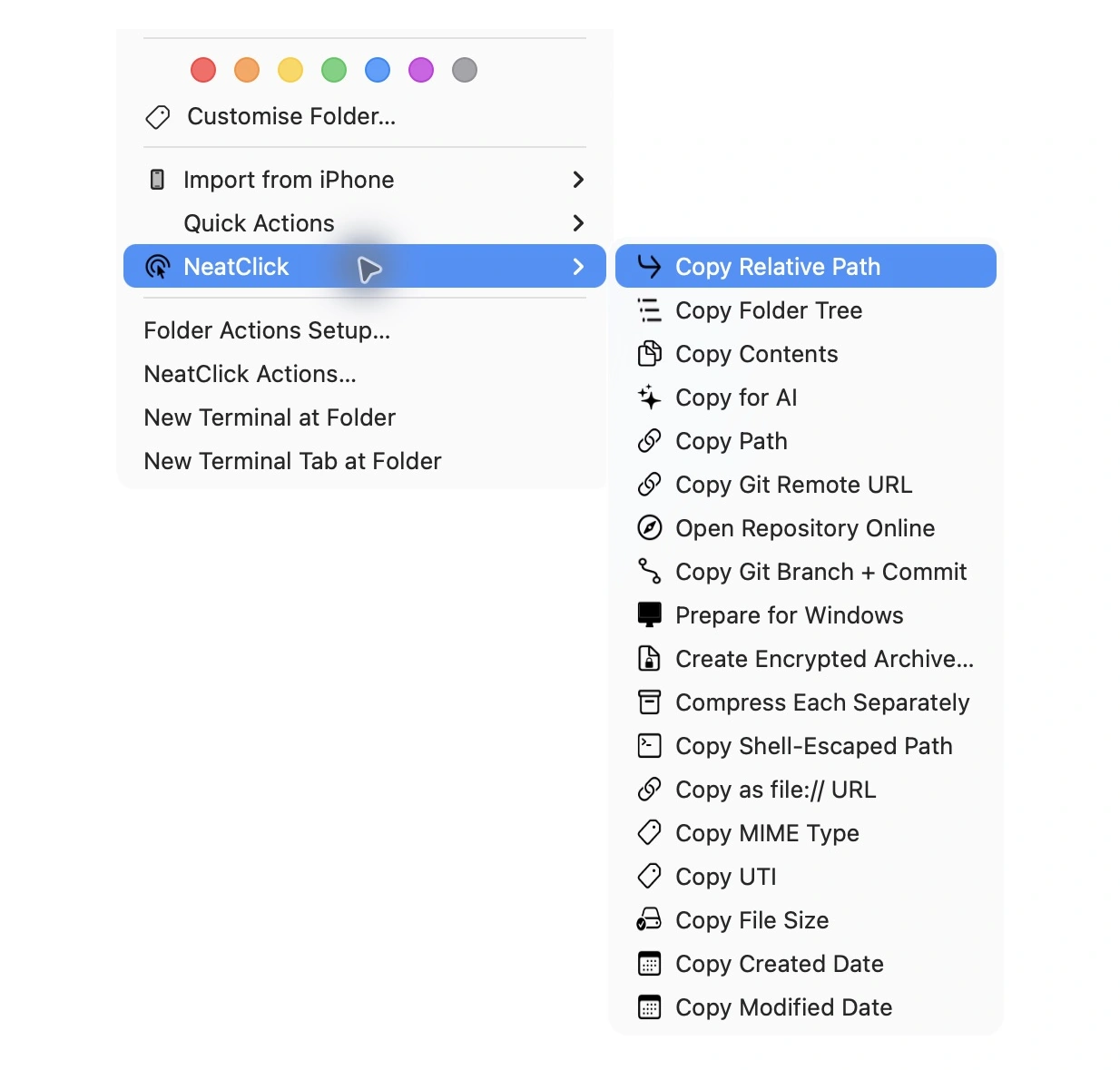
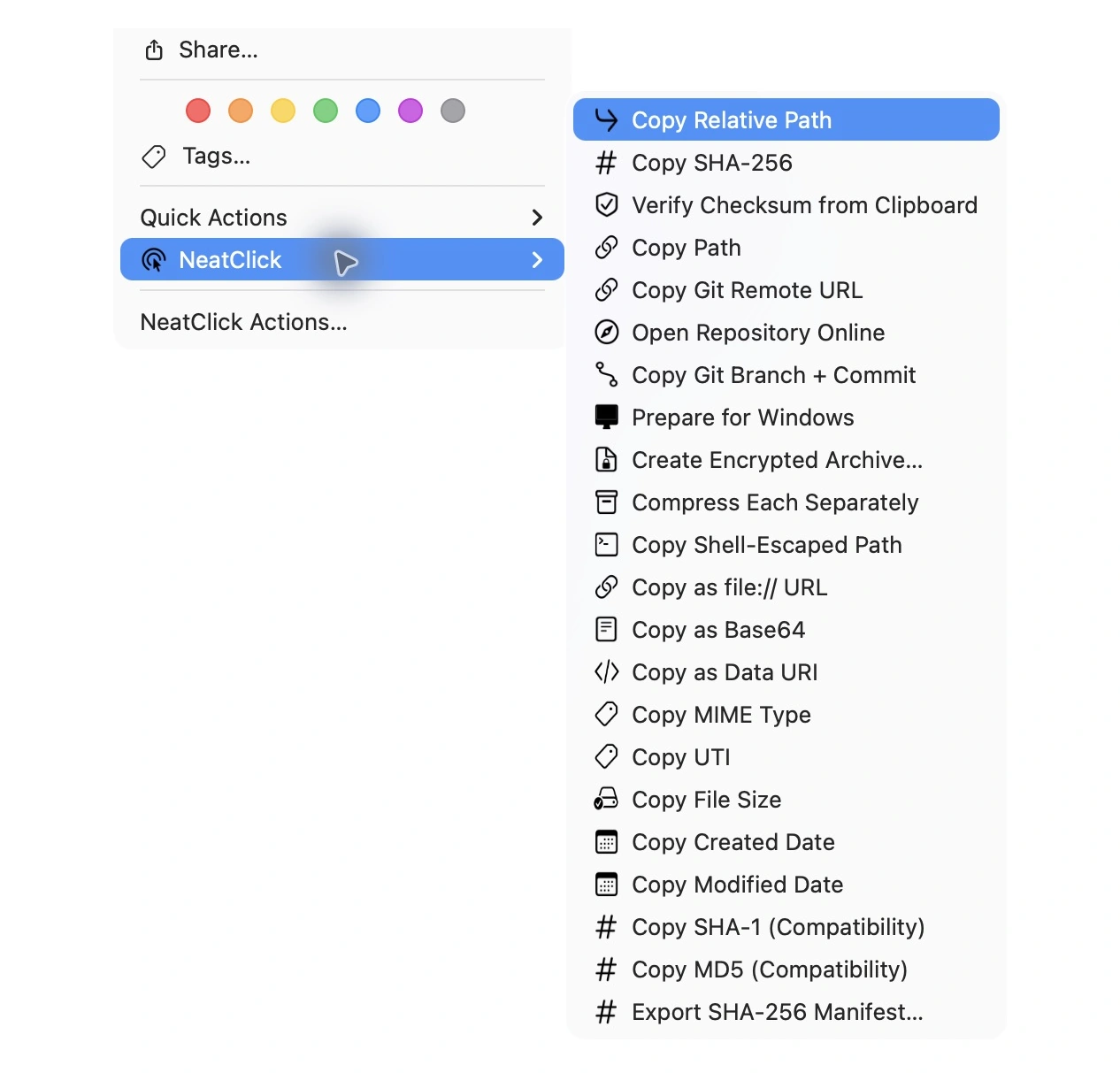
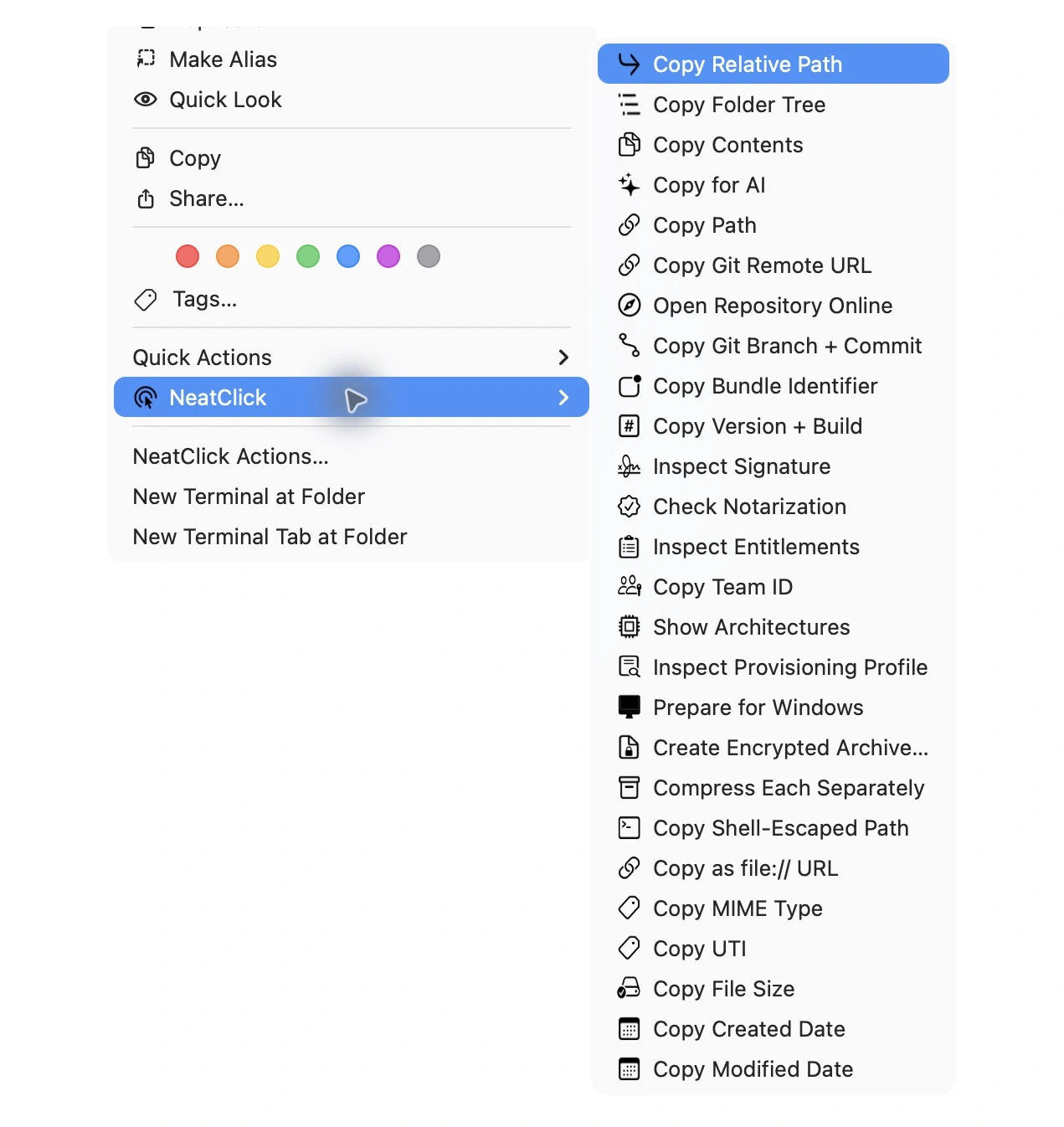
  • Copy Path
  • Compress Each Separately
  • Prepare for Windows
  • Create Encrypted Archive
  • Extract Here
  • Extract Each Archive
  • Prepare for Sharing

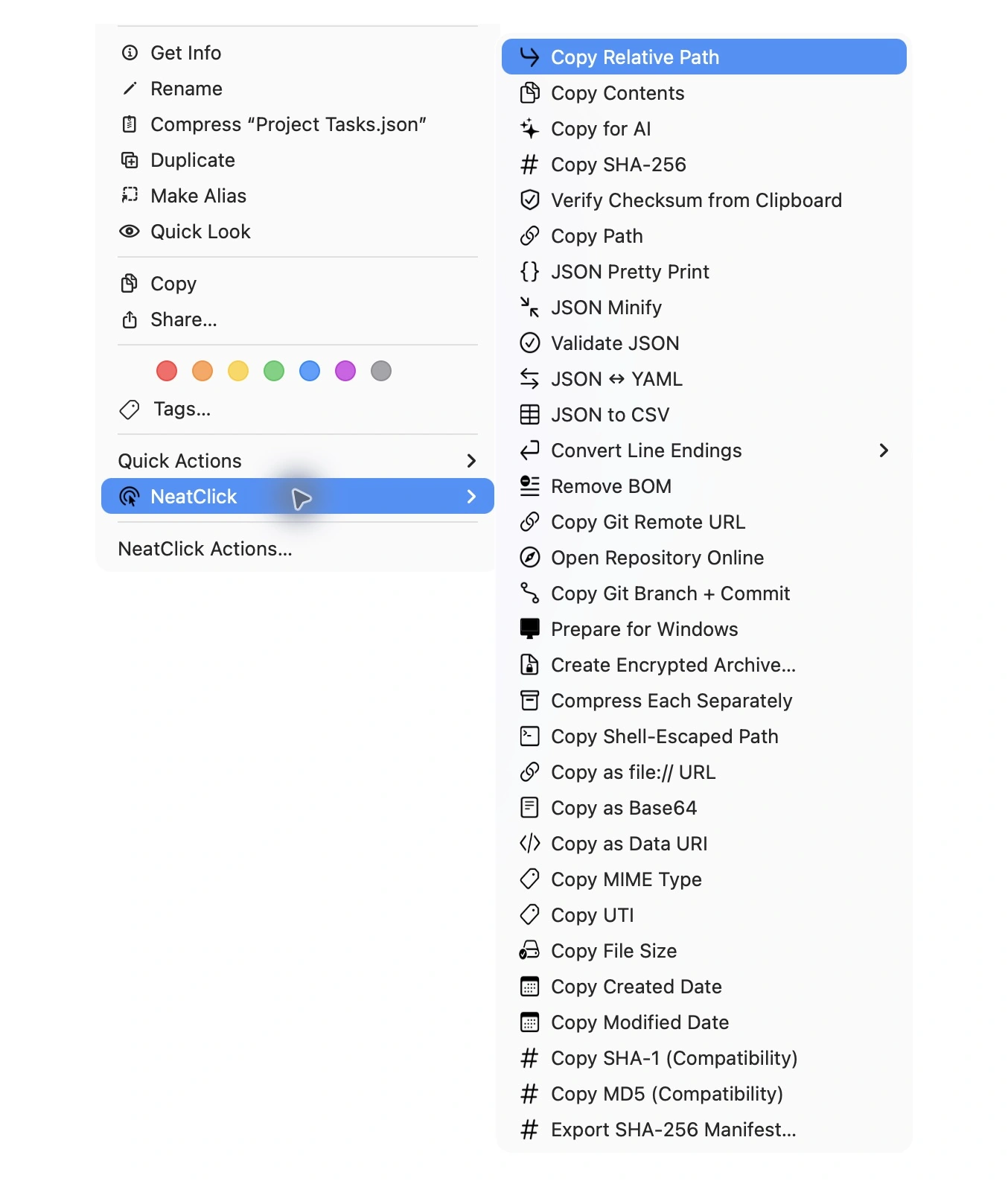
Web & Developer

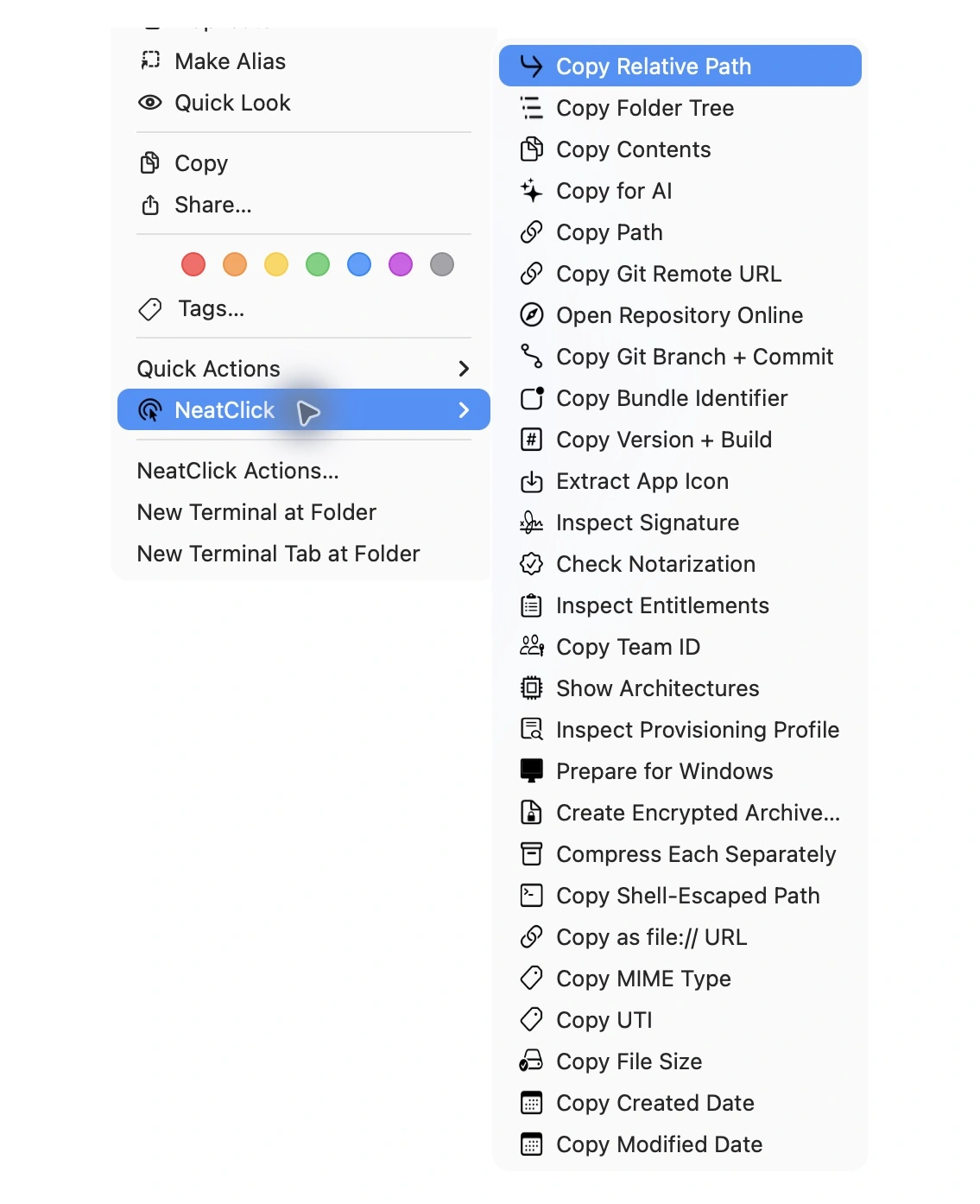
A deep toolkit for project files, structured data, Git, SVGs, and Apple bundles.

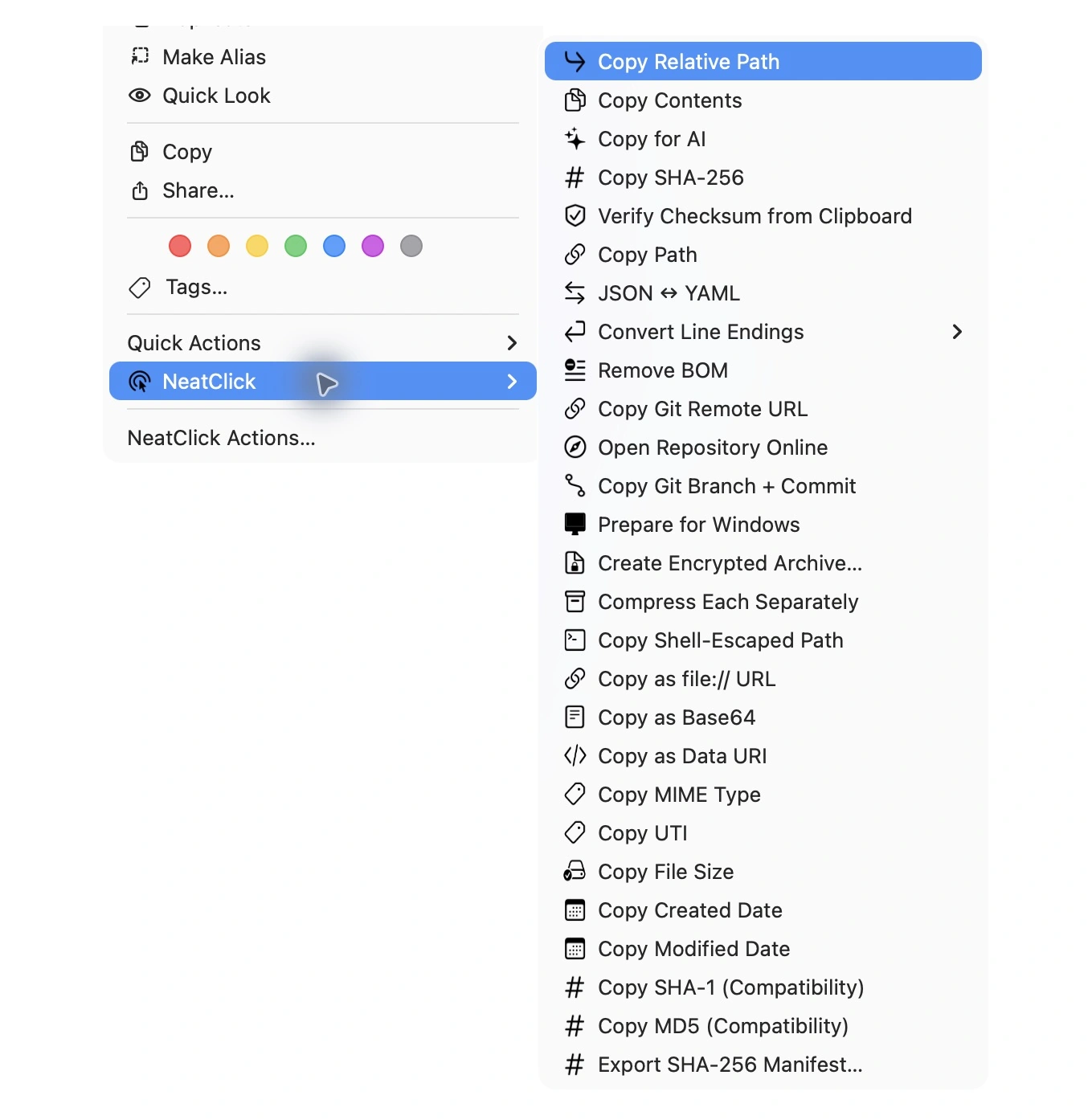
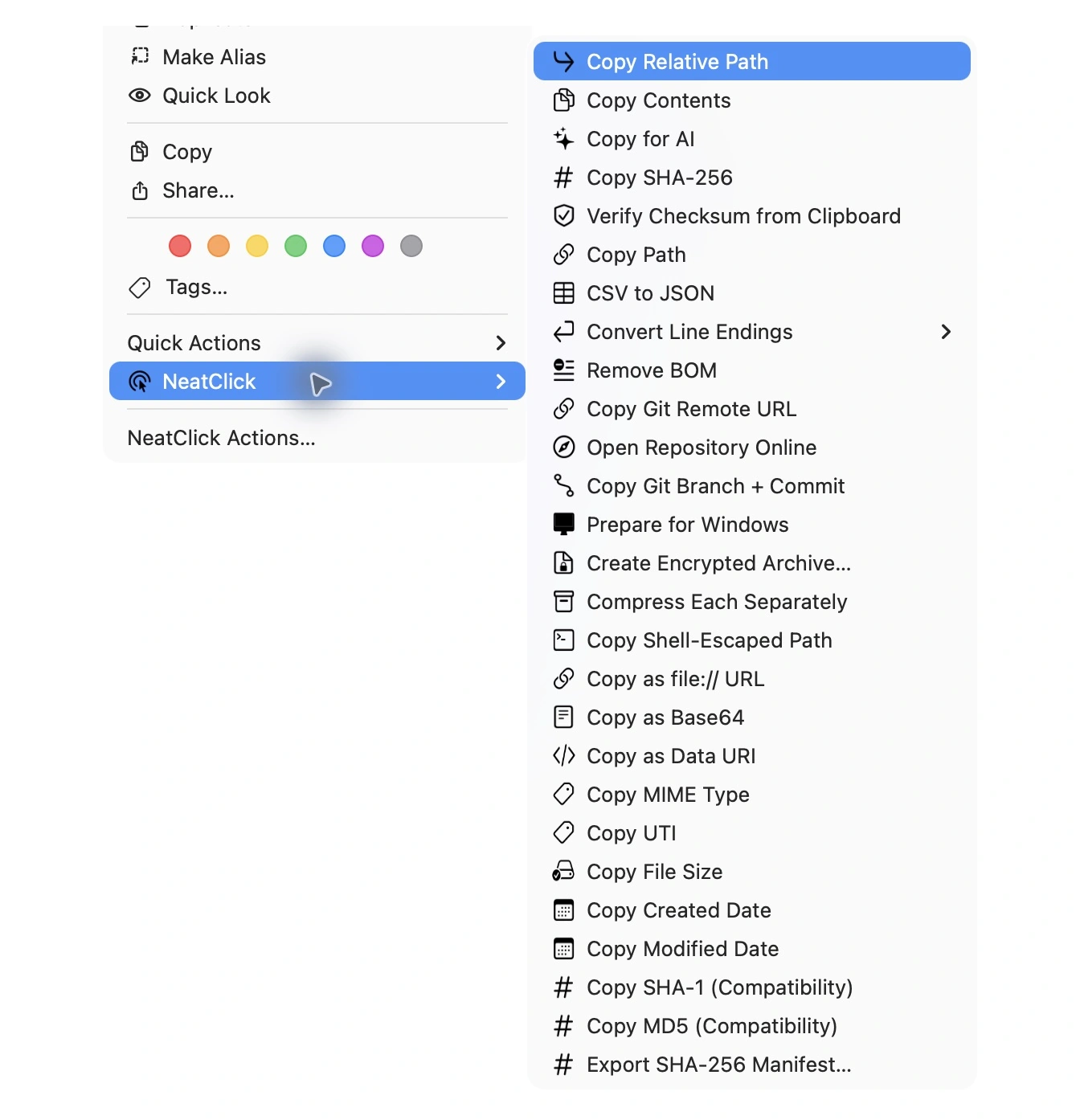
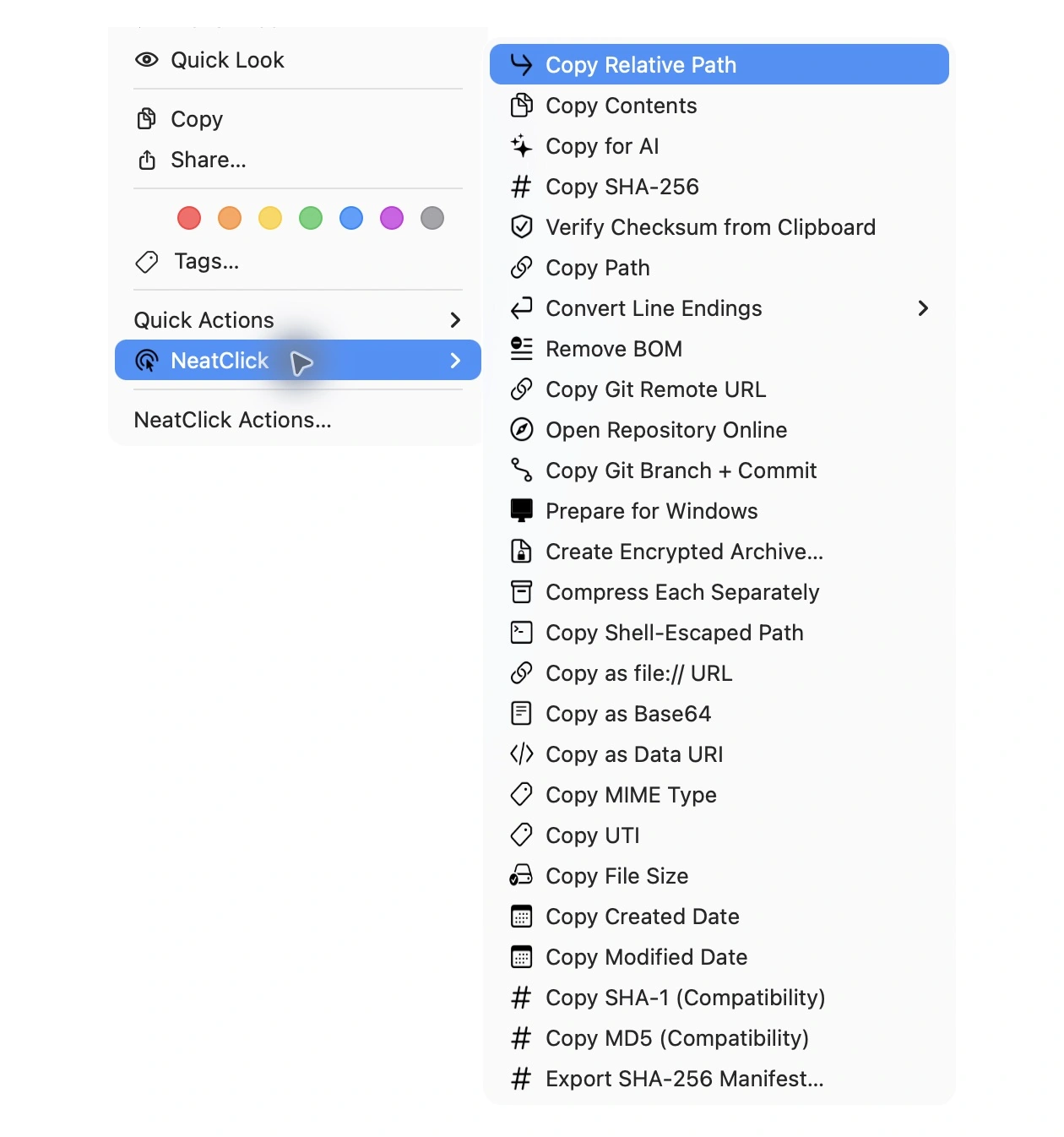
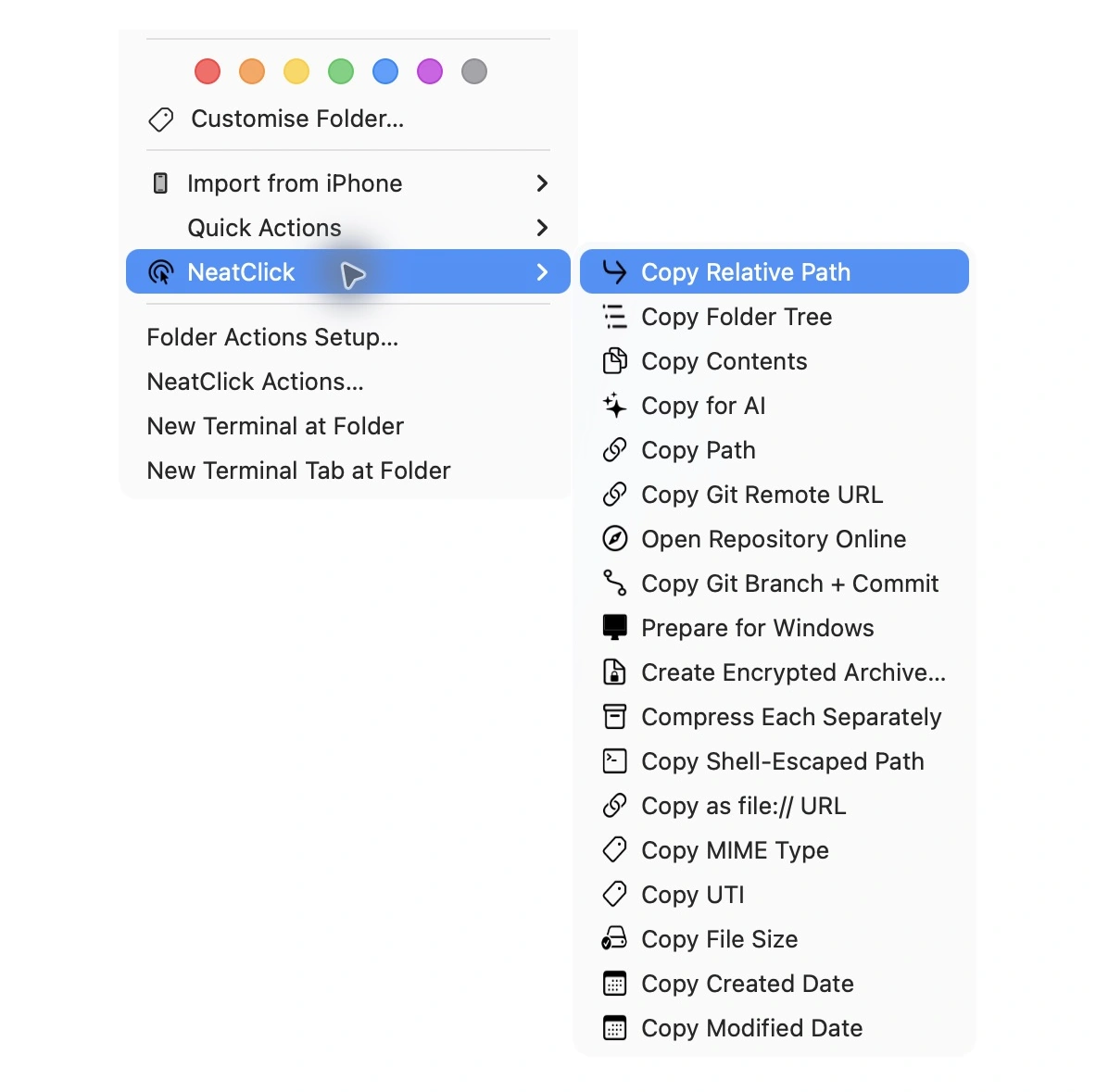
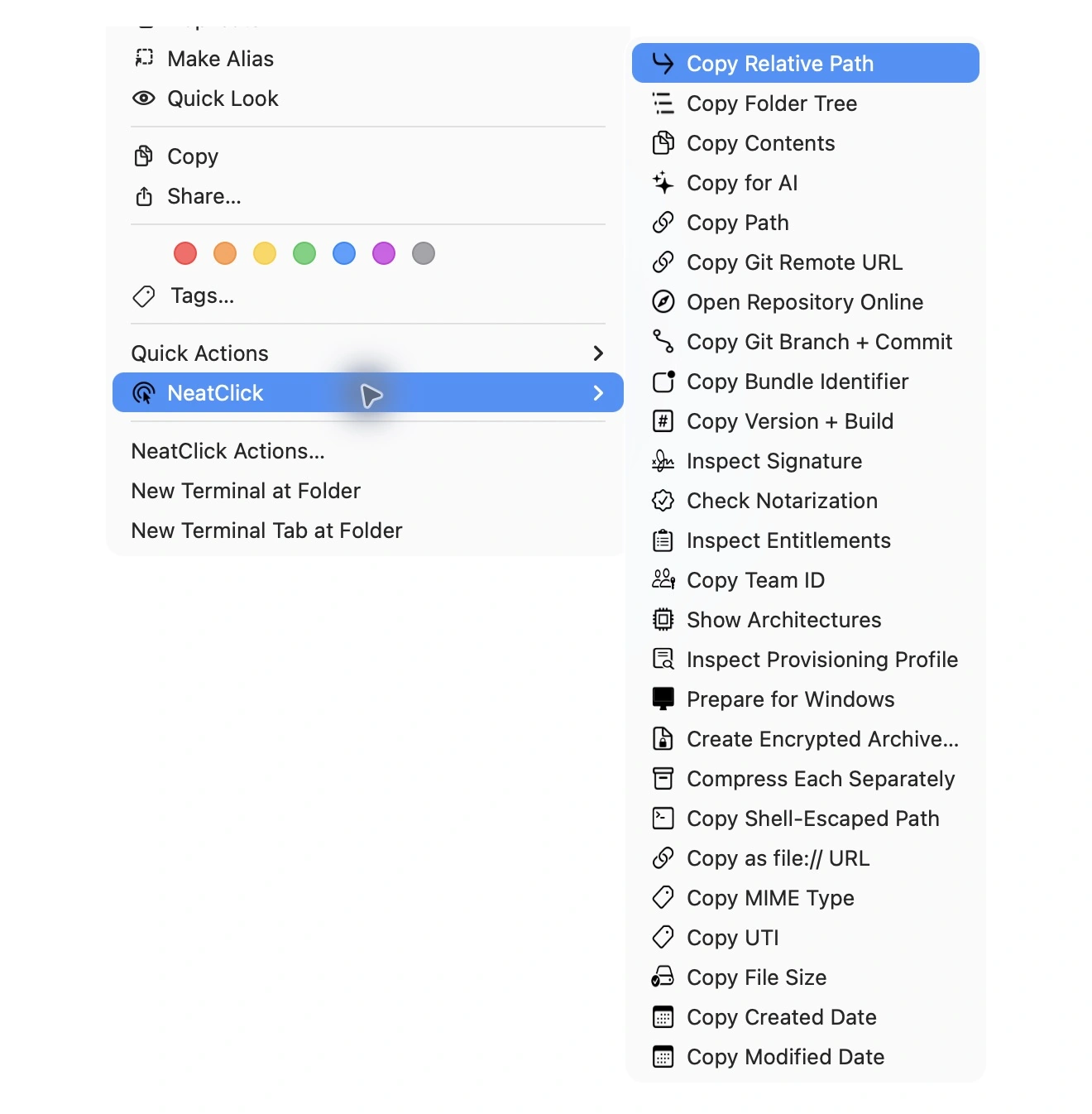
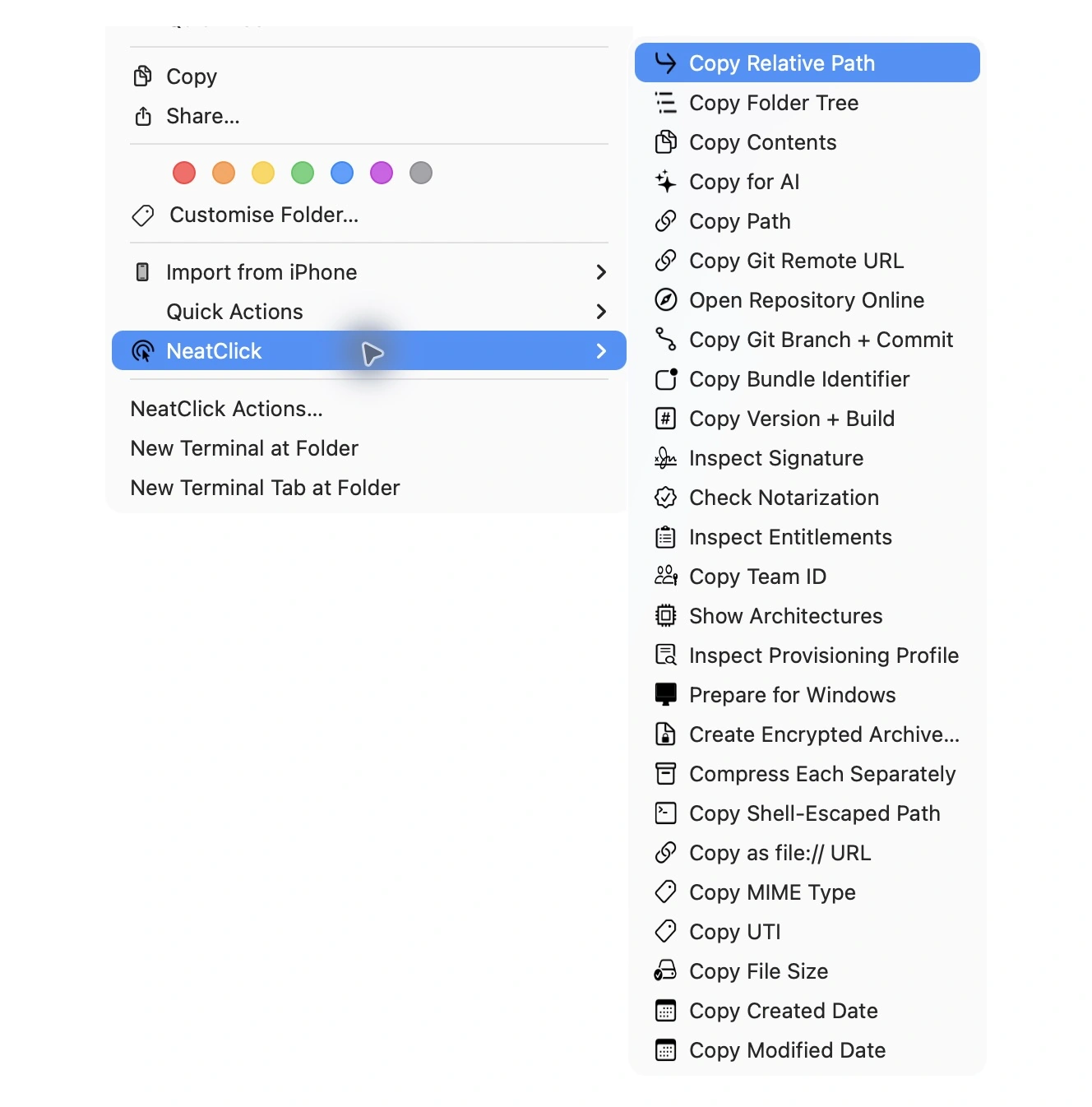
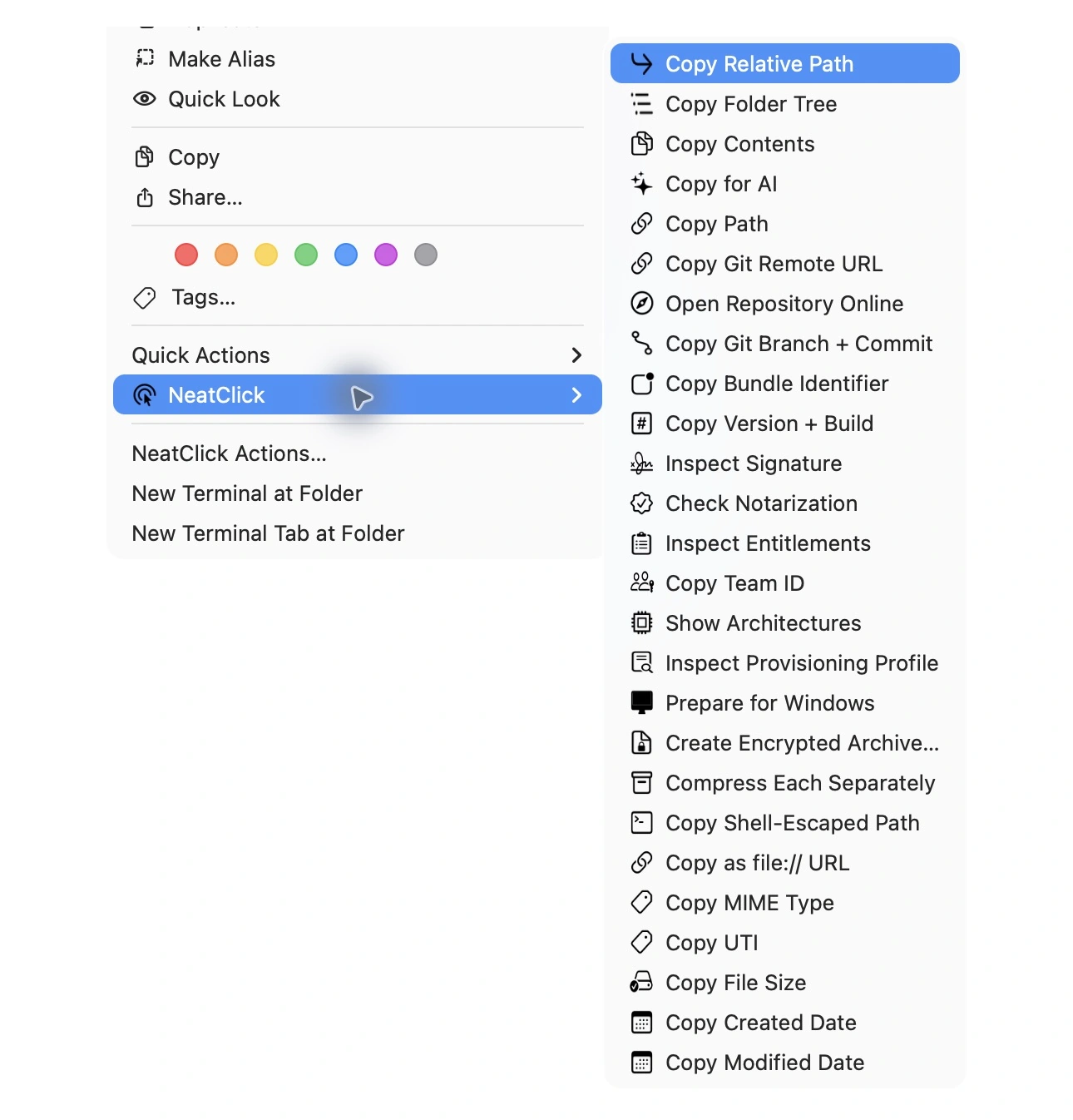
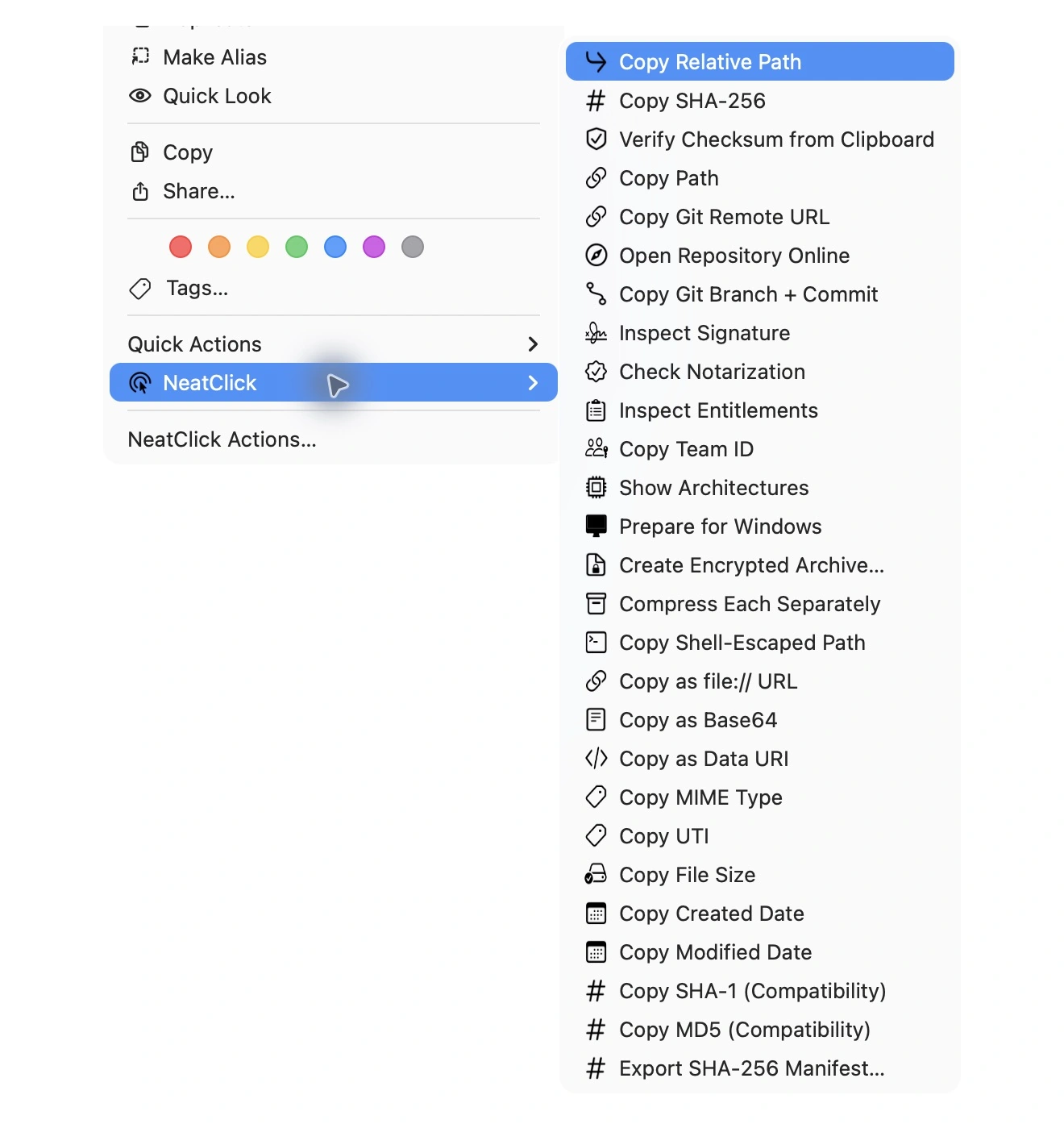
  • Copy Relative Path
  • Copy Shell-Escaped Path
  • Copy as file:// URL
  • Copy Folder Tree
  • Copy Contents
  • Copy for AI
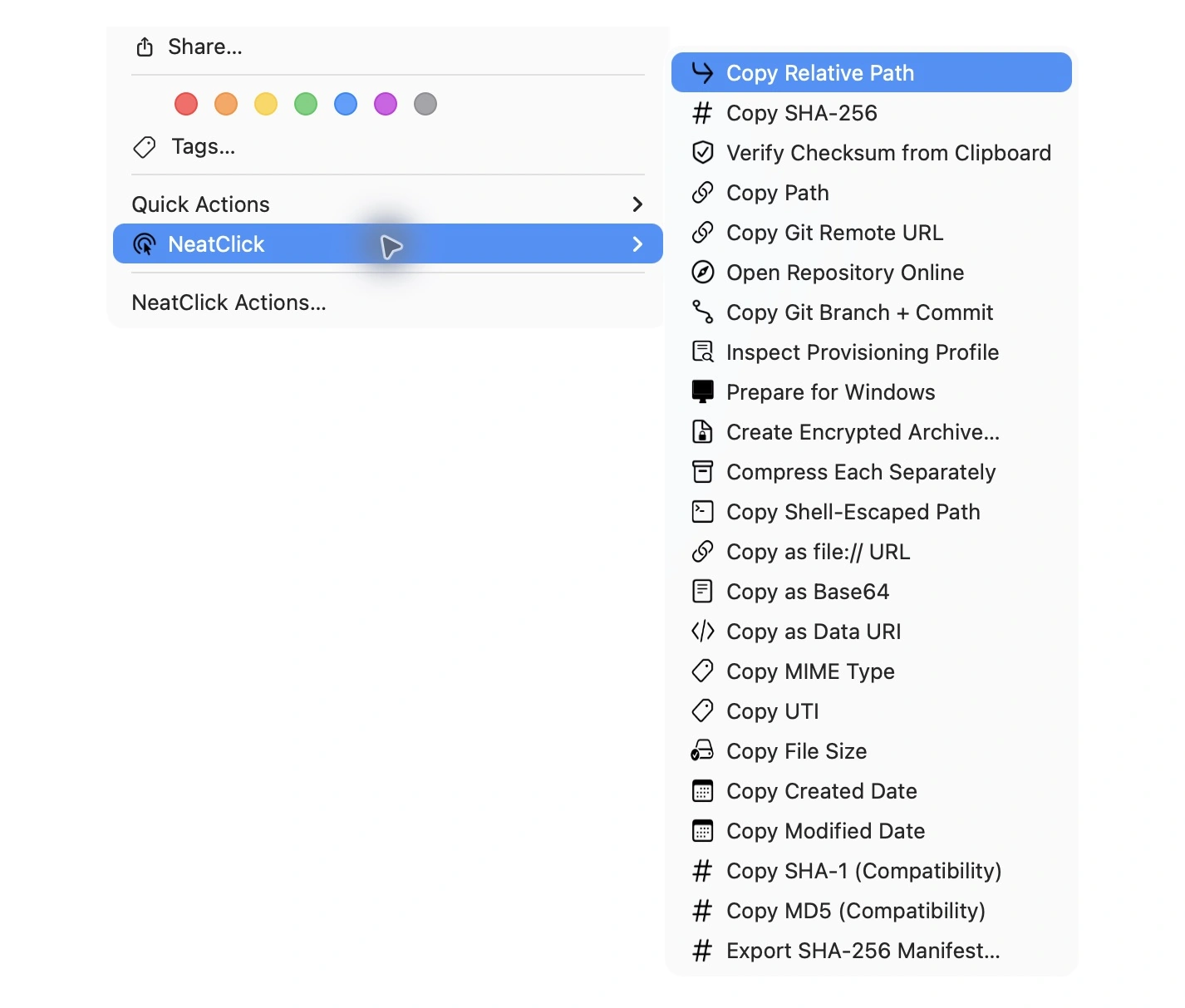
  • Copy SHA-256
  • Copy SHA-1 (Advanced)
  • Copy MD5 (Advanced)
  • Export SHA-256 Manifest
  • Verify Checksum from Clipboard
  • Copy as Base64
  • Copy as Data URI
  • JSON Pretty Print
  • JSON Minify
  • Validate JSON
  • JSON ↔ YAML
  • JSON → CSV
  • CSV → JSON
  • Optimize SVG
  • SVG → PNG
  • Create Favicon Set
  • Convert Line Endings
  • Remove BOM
  • Copy Git Remote URL
  • Open Repository Online
  • Copy Git Branch + Commit
  • Copy Bundle Identifier
  • Copy Version + Build
  • Extract App Icon
  • Inspect Signature
  • Check Notarization
  • Inspect Entitlements
  • Copy Team ID
  • Show Architectures
  • Inspect Provisioning Profile

Put a whole toolkit
inside your right-click.

Version 1.2 · Requires macOS 14 or later.