Meets upload limits
Useful for application forms, marketplaces, content systems, and email attachments with a maximum size.
 NeatClick
Target-size image compression
Choose how small your images need to be. NeatClick checks the finished size and saves new copies, ready to upload or share.
Version 1.2 · Requires macOS 14 or later. · No subscription · Files stay on your Mac
How it works
Choose one photo or a batch in Finder. The size limit applies to each image.
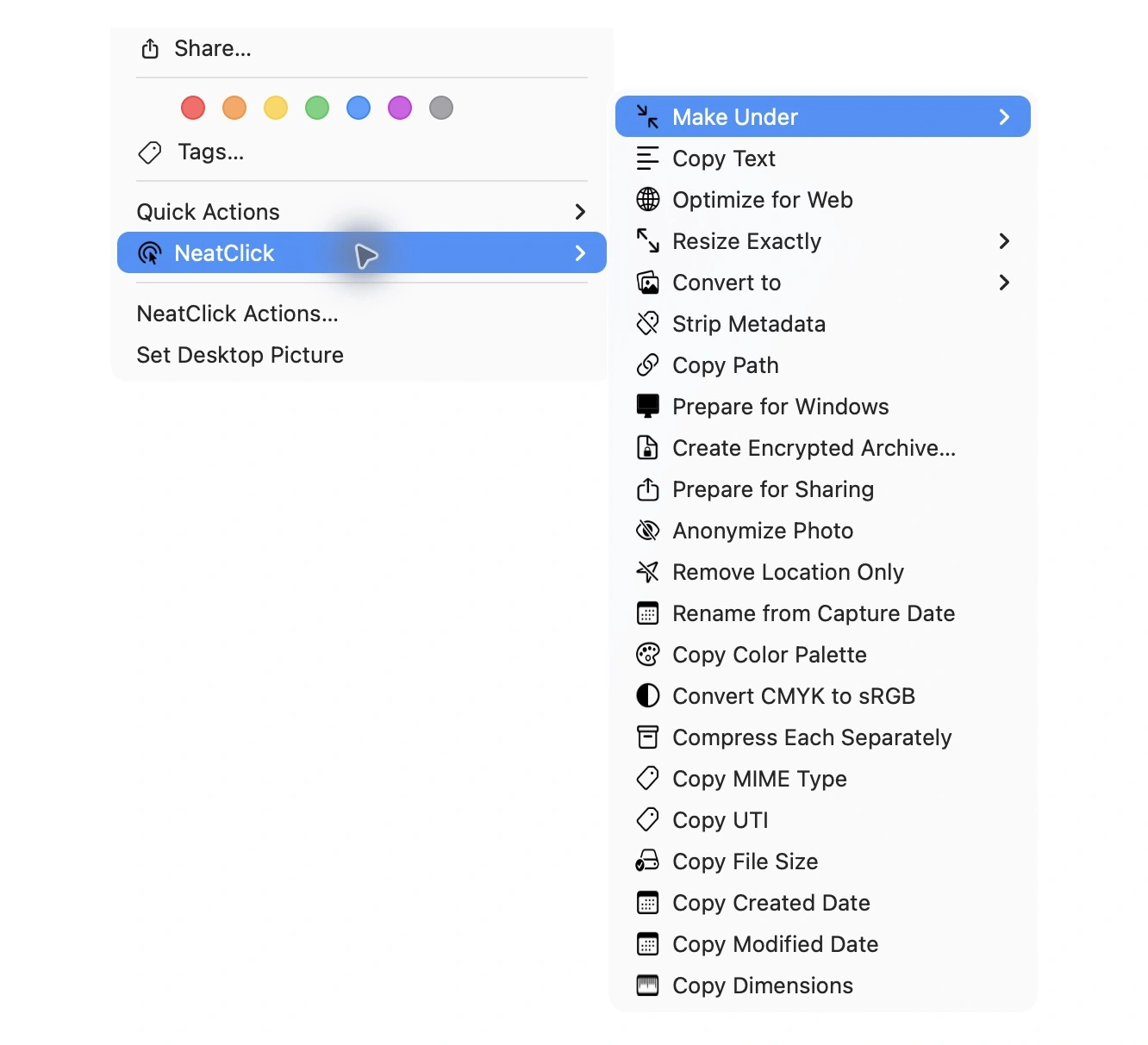
Right-click and choose Make Under, then select 1, 2, 5, 10, 25 MB, or a custom value.
NeatClick keeps the originals and reports the size saved for each successful output.
Why NeatClick
Useful for application forms, marketplaces, content systems, and email attachments with a maximum size.
Apply the same action to a compatible selection without opening and exporting every image.
Supported RGB color profiles are preserved, and transparency is not silently replaced with black.
Your photos stay on your Mac, including their filenames, paths, pixels, and metadata.
What is included
Questions
Select it in Finder, choose NeatClick → Make Under → 2 MB, and use the new copy saved beside the original or in your chosen output folder.
Yes. Select compatible images in Finder and run Make Under once for the batch.
No. It gives each new file its own name and keeps your originals by default.
Keep working

More than 80 local file actions. One purchase for two Macs.