Search old scans
Add an invisible text layer to image-only pages so names, references, and phrases can be found.
 NeatClick
On-device text recognition
Turn a scanned PDF into a searchable copy using Apple’s on-device Vision recognition. The document never needs to leave your Mac.
Version 1.2 · Requires macOS 14 or later. · No subscription · Files stay on your Mac
How it works
Choose an unlocked document in Finder.
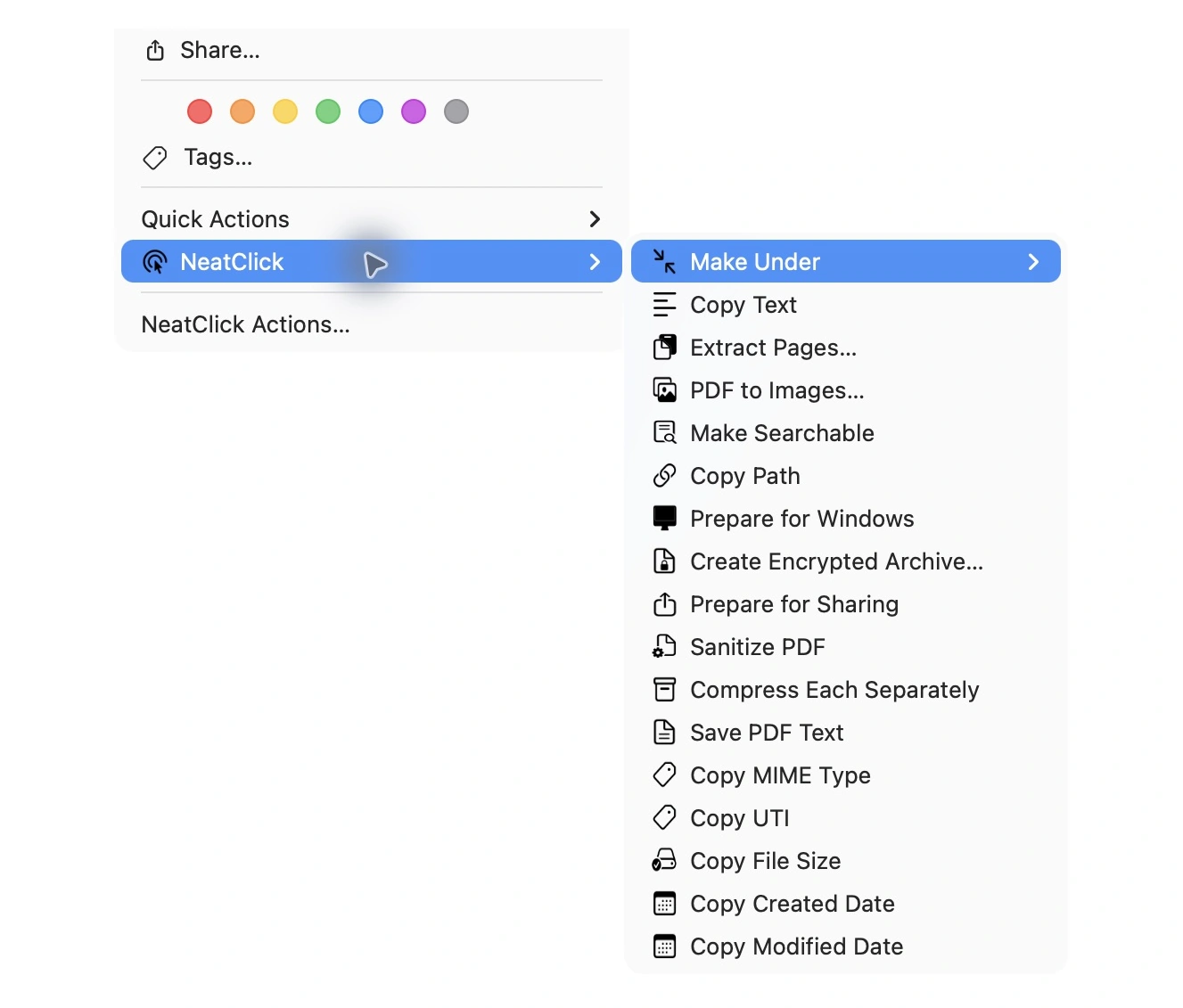
Right-click, open NeatClick, and run the OCR action.
Open the new searchable PDF in Preview, Finder, or your document system.
Why NeatClick
Add an invisible text layer to image-only pages so names, references, and phrases can be found.
Recognition is performed on-device rather than by a remote OCR service.
Run OCR without opening a full PDF editor or configuring an export preset.
NeatClick can also copy extracted text or save PDF text as a UTF-8 file.
What is included
Questions
Preview can search PDFs that already contain recognized text, but an image-only scan needs an OCR text layer first. NeatClick creates that searchable copy.
No. NeatClick runs recognition on the Mac and does not require a cloud account.
Yes. Use Copy Text to copy it to the clipboard, Save PDF Text for a text file, or Make Searchable for a PDF you can search later.
Keep working

More than 80 local file actions. One purchase for two Macs.