Relevant actions only
You only see commands that work with your selection. For example, select several PDFs to see the option to combine them.
 NeatClick
A file-aware Finder toolkit
Copy text from images and PDFs, create a file where you need it, preview new filenames, or move a selection to a saved folder. Keep compression, conversion, and PDF tools in the same Finder menu.
Version 1.2 · Requires macOS 14 or later. · No subscription · Files stay on your Mac
How it works
NeatClick reads the selection and offers actions appropriate to the file types.
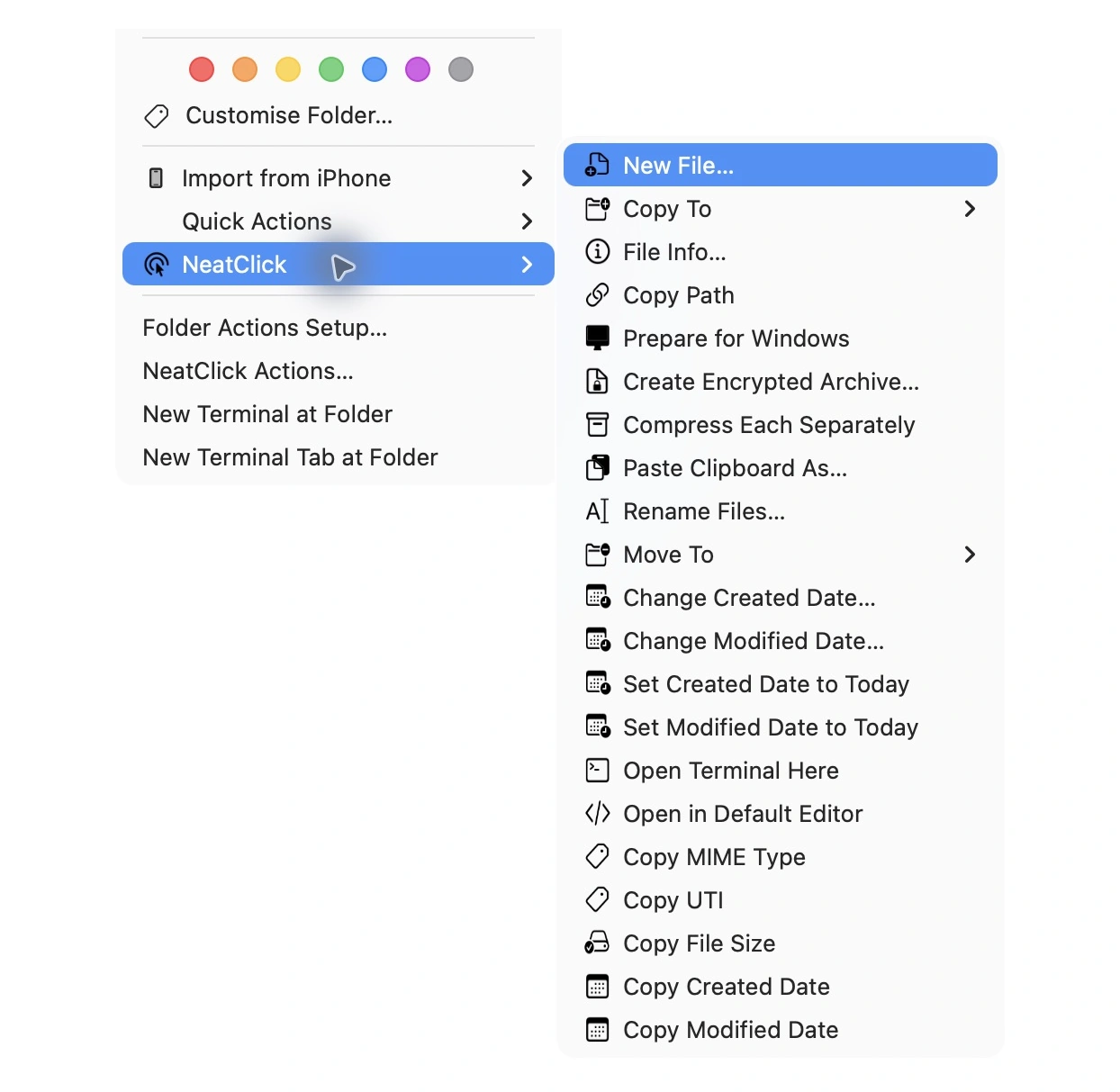
Right-click and choose Copy Text, Rename Files…, Move To…, or another action. Use New File… from a supported folder or its background.
Paste copied text, review the rename preview before applying it, or choose a transfer destination and how to handle conflicts. Completed job details show results and skipped items.
Why NeatClick
You only see commands that work with your selection. For example, select several PDFs to see the option to combine them.
Choose Make Under when a file must fit a size limit, Combine PDFs when you need one document, or Strip Metadata before sharing a photo.
NeatClick processes the selected files locally. You do not need to upload them to use these tools.
Use more than 80 actions across two Macs for $5.99, with one year of updates included.
What is included
Questions
No. It adds commands to Finder, so you can keep working with files the way you already do.
Yes. Hide or reorder actions, choose Flat, Standard, or Compact menus, and keep favorites and recent actions easy to reach.
macOS 26 can suppress third-party Finder Sync menus in iCloud-managed Desktop and Documents. NeatClick includes a Services-based fallback for those locations.
Keep working

More than 80 local file actions. One purchase for two Macs.